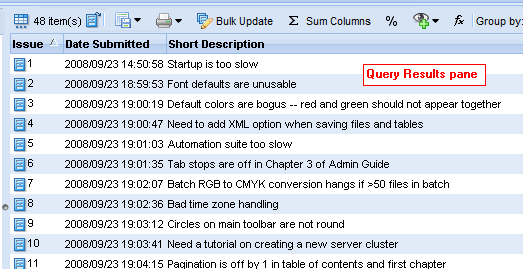
The issue table report provides summary information about all issues displayed in a table, like the table in the Query Results pane shown here, for example:
|
•
|
Sorted By: The column and order in which the report was sorted. (Issue Ascending, for example.)
|
|
•
|
Total Records: The total number of issues displayed in the table.
|
|
•
|
User: The username of the AccuRev user who printed the report.
|
Tip: Use your Web browser’s print settings to specify output like page numbers, including images, and other information.
|
2.
|
 ).
).|
3.
|
Choose Print Table from the drop-down menu.
|
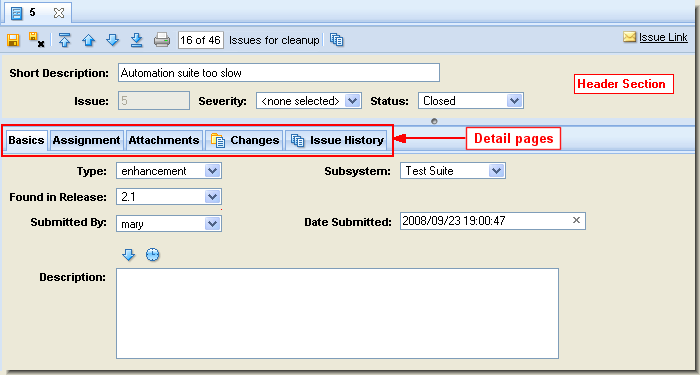
The issue details report provides detailed information about one or more individual issues. The information in the report is based on the information that appears on the Issue Edit form, including the header section and most of the Issue Edit form’s subtabs—Basics, Assignment, and so on:
|
•
|
|
•
|
Depot: The depot in which the issue is stored.
|
|
•
|
User: The username of the AccuRev user who printed the report.
|
|
•
|
Query: The name of the query whose results are reflected in the report. This field is included only if you print the report from the Query Browser.
|
Tip: Use your Web browser’s print settings to specify output like page numbers, including images, and other information.
|
3.
|
|
5.
|