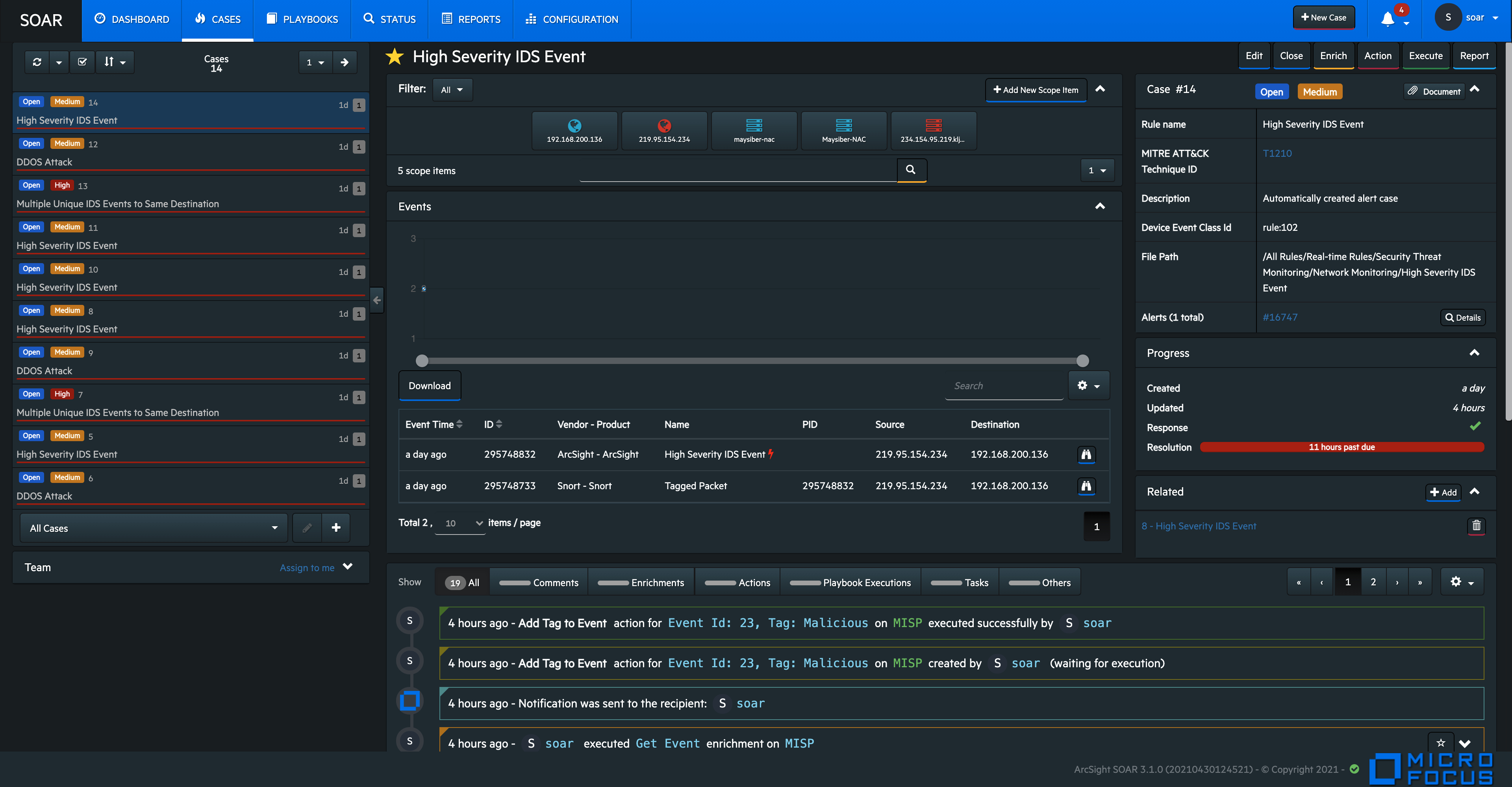
Understanding Cases User Interface
SOAR has a very user friendly interface for tracking, viewing and managing cases in a single pane of glass. The Case tab enables you to perform multiple operation on one page. You can view the list of cases, edit the case information such as its label, status and priority, add and edit assignees, add watchers , related cases, comments, and attach files, all on a single Case page. To perform a deeper analysis, you can also fetch enrichment for cases and perform desired actions. The Case Management service desk also facilitates the flexibility to create manual cases and generate reports for analysis.
A typical Case page is displayed as follows: