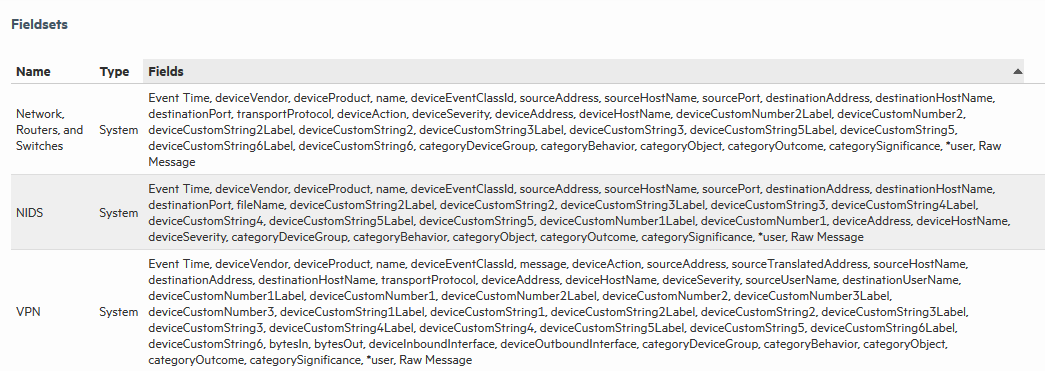
You can view the predefined fieldsets and the ones you have created on the Fieldsets page (Configuration > Search > Fieldsets).
In this list of fieldsets, *user indicates user-created fields. An asterisk (*) at the end of the list of fields indicates that more fields are included than are listed.
If you have “Edit, save, and remove fieldsets” privileges, you can delete your custom fieldsets from this screen.
Note: You can only delete the field sets you create, and not the predefined ones available on Logger.
To delete a custom field set:
 ).
).