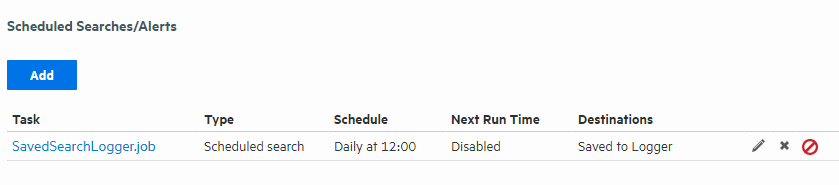
Access Saved Search results that were saved to Logger with the Saved Search Files command. Saved Search Files can be retrieved (streamed to the browser) or deleted. Click Refresh to update the list of files.
Saved Search Files page
Access the saved search results:
 See Also