In the Name field, specify a unique name for this query object.
In the Transformation workspace, drag and drop the required steps for the query from the Steps menu into the desired sequence. (By default, the Transformation window already includes a Data Source and Format step.)
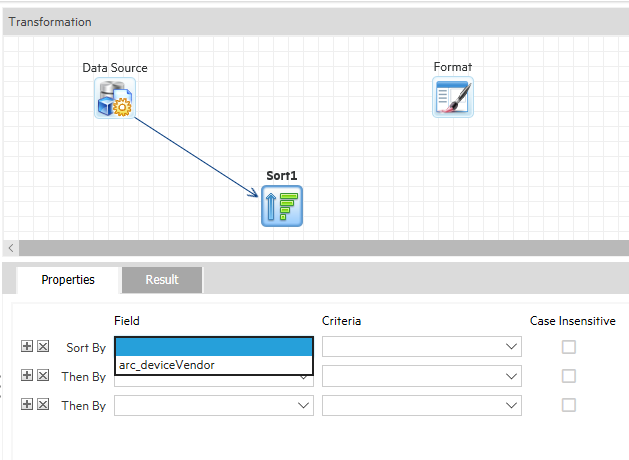
For example, to add a sort to the transformation, drag a Sort element from the Step list to the Transformation field and drop it on a link.
Then, in the Properties tab, select a field to sort by.
Click Save.
A blank (empty) query object is displayed when this page is opened, and the Add New button on the toolbar is disabled until the blank query object is saved. After saving, you can add a new query object by clicking Add New.