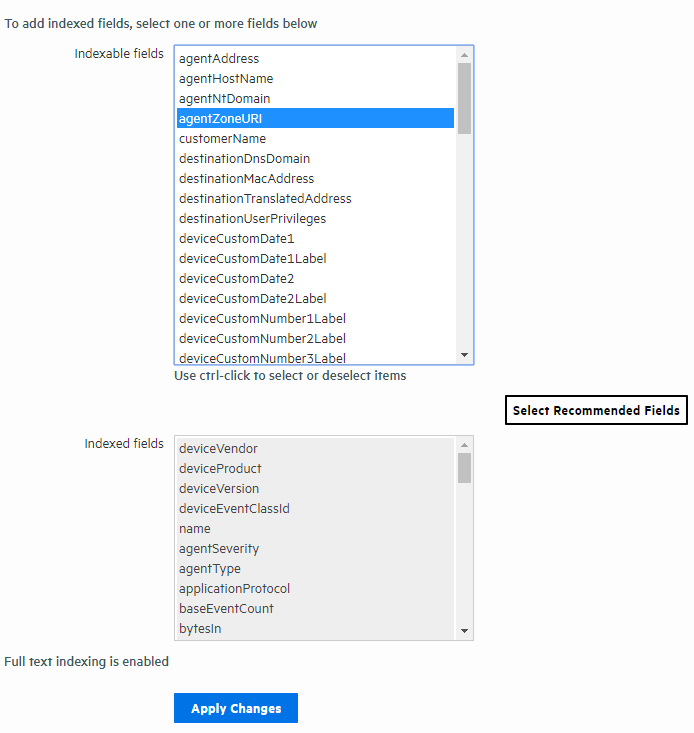
Select the fields from the Indexable Fields list.
You can add fields to the field-based index at any time. However, once a field has been added to the index, you cannot remove it.
Prerequisites
Users must be assigned to the following User Groups to access this feature:
See Setting Logger User Permissions for more information.
To add fields to the field-based index:
Select the fields from the Indexable Fields list.
 See Also