- Type
$filter$or$ss$in the search text box and select a filter or a saved search from the drop-down list. See for more information, Opening Filters and Saved Searches via Autocomplete. - Click the Load a Saved Filter icon
 (Classic Search) or
 (Search) to view the list of all the filters, saved searches, and your specific search results.
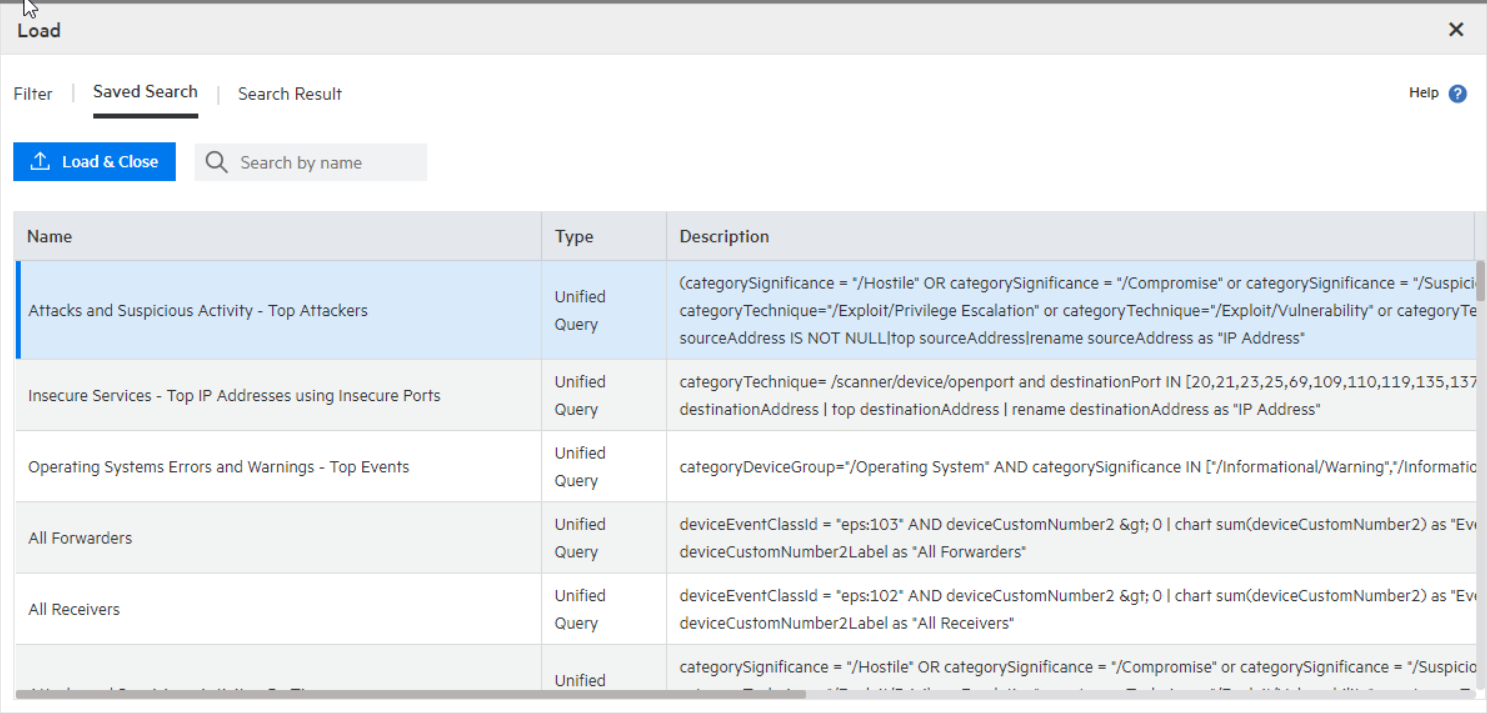
- Filter: Shows the filters by category (system filter), type, description.
- Saved Search: Shows the saved searches by type, description, start/ end date, start end/ time, search time field, and local only search.
- Search Result (Only available in the Search page): Loads only your search results and their correspondent details: time range, hit events, scanned events, time type, and local only. Search results are displayed by charts or histogram (based on the query details).
 to speed up your search. Click any of the column names to sort information.
  to load the query with the predefined search Start and end date, settings, and type (Logger Receipt Time or End Time). To cancel the operation, exit the window.