Accessing the Data Owner Service
To access the Data Owner web service:
-
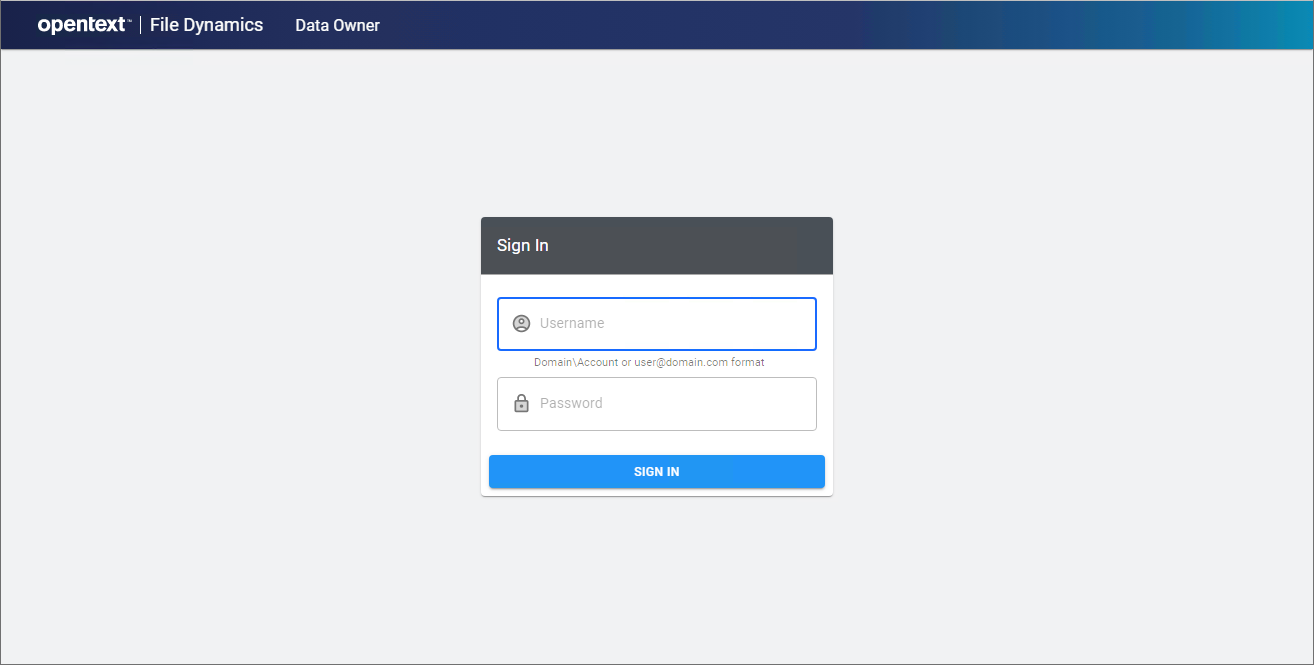
In a web browser, go to the Data Owner web service URL provided by your administrator. For example, https://dataowner.sp.cctec.org:3079.
-
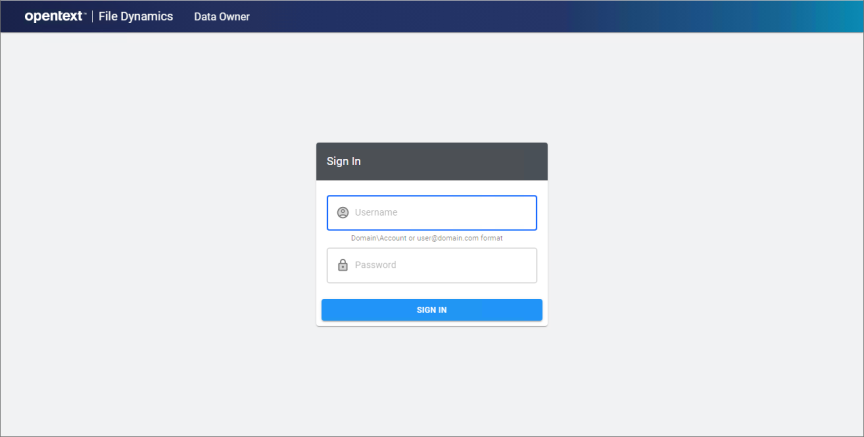
Enter your Active Directory username and password. The username may be entered using Domain\Account or User Principal Name (UPN) format.
For example,
SP\acoxoracox@sp.cctec.org. -
Click Sign In to authenticate.
-
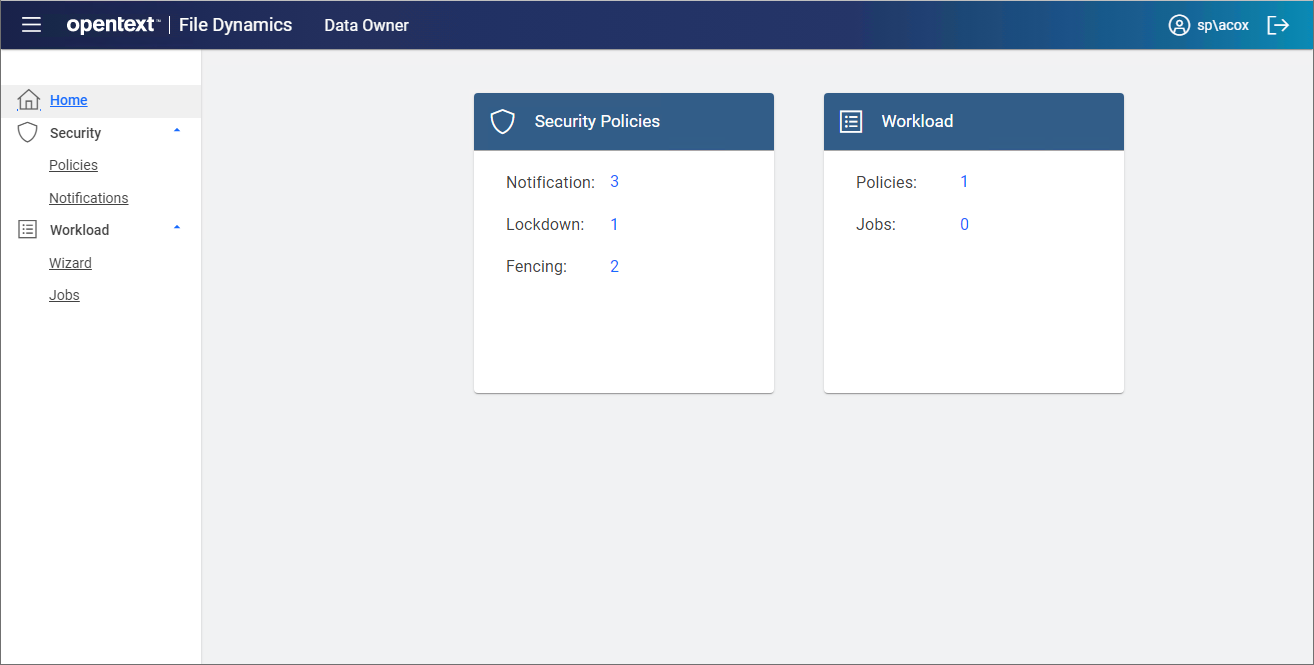
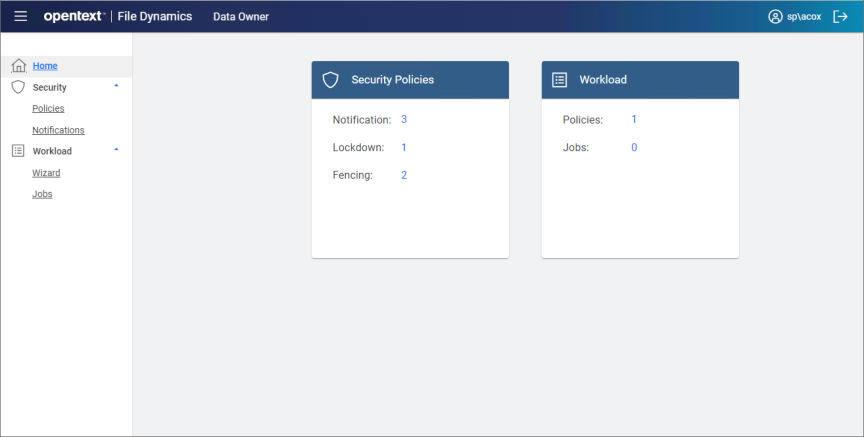
After initial login, the Home page will appear showing basic counts for Security Policies and Workload jobs.
-
Proceed to manage either Security Notifications and Actions or Workload Actions.
-
To sign out, click the sign out link
 in the header.