Security Notifications
This page provides a graphical summary of changes in security access permissions and group memberships for high-value targets managed through security policies. Using the information you ascertain from the graphs, you can in-turn run a Detail Report to view the details of the changes.
Security Notifications Page 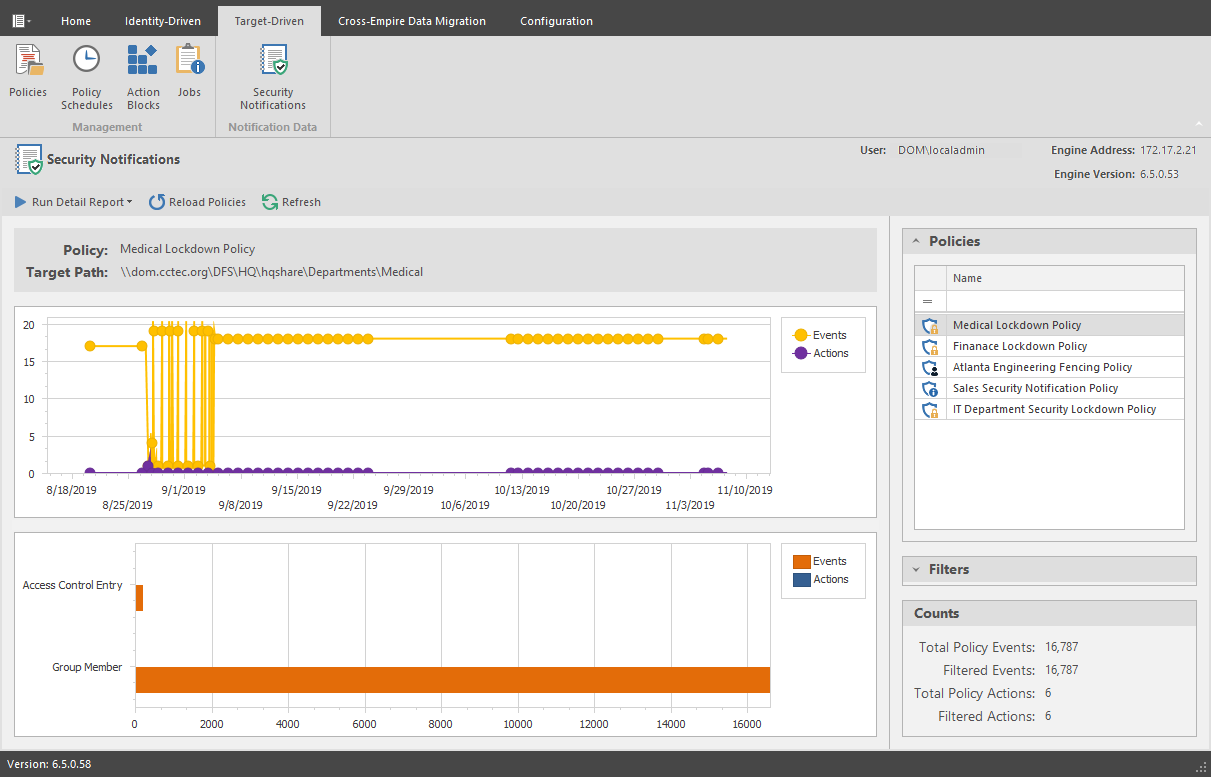
Run Detail Report: This drop-down menu is the means of generating detail reports for either file system events or group membership events. Reports are generated according to the selected policy, filter settings, and date range settings located on the right-hand portion of the page.
Reports are first generated in preview mode, where they can then be saved in a number of different format types.
Sample File Systems Event Report 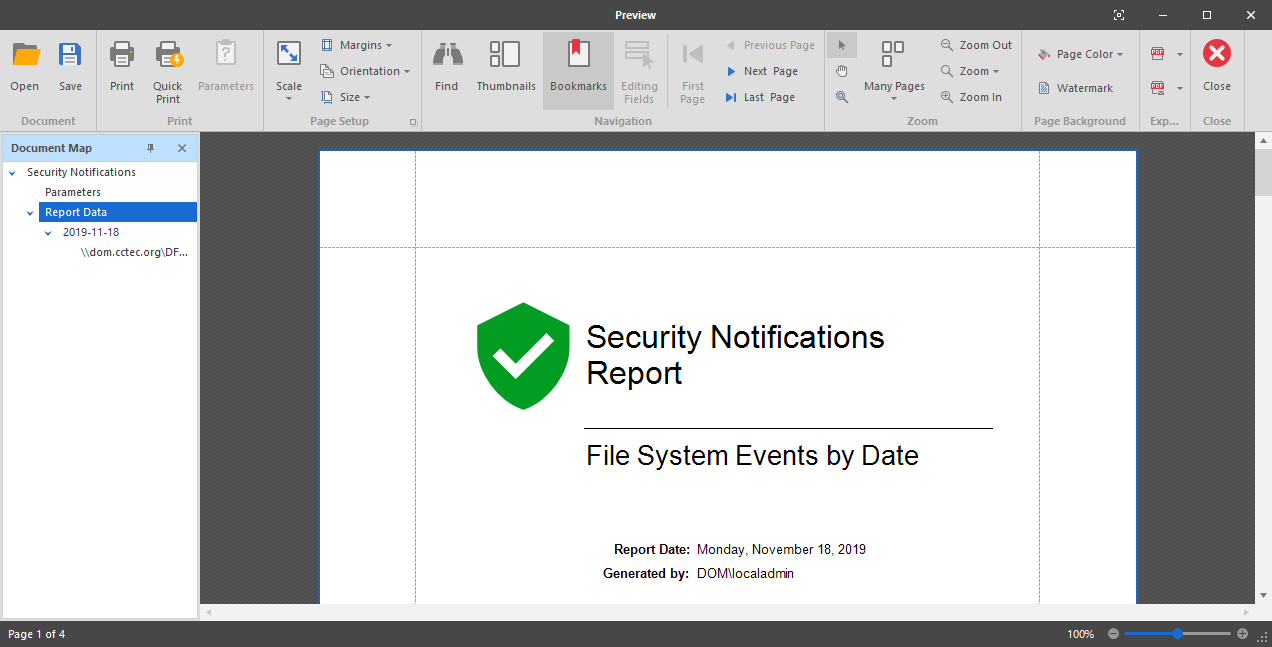
Reload Policies: Adds to the list of policies, any new security policies that have been created since the Security Notification page was opened.
Refresh: Refreshes the Security Notifications page.
Upper Graph: According to the specifications on the right-hand side of the page, displays a graph of the number of events and actions in a timeline from the first security scan, to the most recent. Placing the pointer on lines of the graph provides additional numerical information.
Lower Graph: According to the specifications on the right-hand side of the page, displays a graph of the totals for the specified data range.
Policies: Select from this list to display the policy-specific data in the graphs and in the Detail Report.
Filters: Lets you specify what criteria and date range to include in the graphs and in the Detail report.
Counts: Based on the selected policy, criteria, and date range, displays the total count of policy events, filtered events, policy actions, and filtered actions.