Creating an Inactive Users Policy
- In the Admin Client, click the Identity Driven tab.
- Click Policies.
- In the Manage menu, select New > User Home Folder.
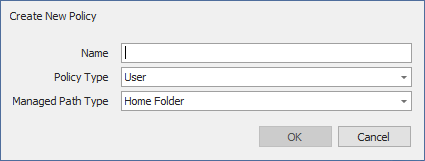
The following dialog box appears: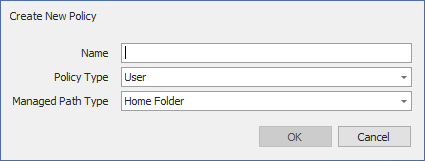
- Specify a descriptive name in the Name field and click OK.
The Policy Options page appears. - Continue with Setting Inactive Users Policy Associations.