Enabling a Policy
Once the IT department has concluded its need for disabling the policy, an authorized Data Owner can enable the policy using the Data Owner Client.
-
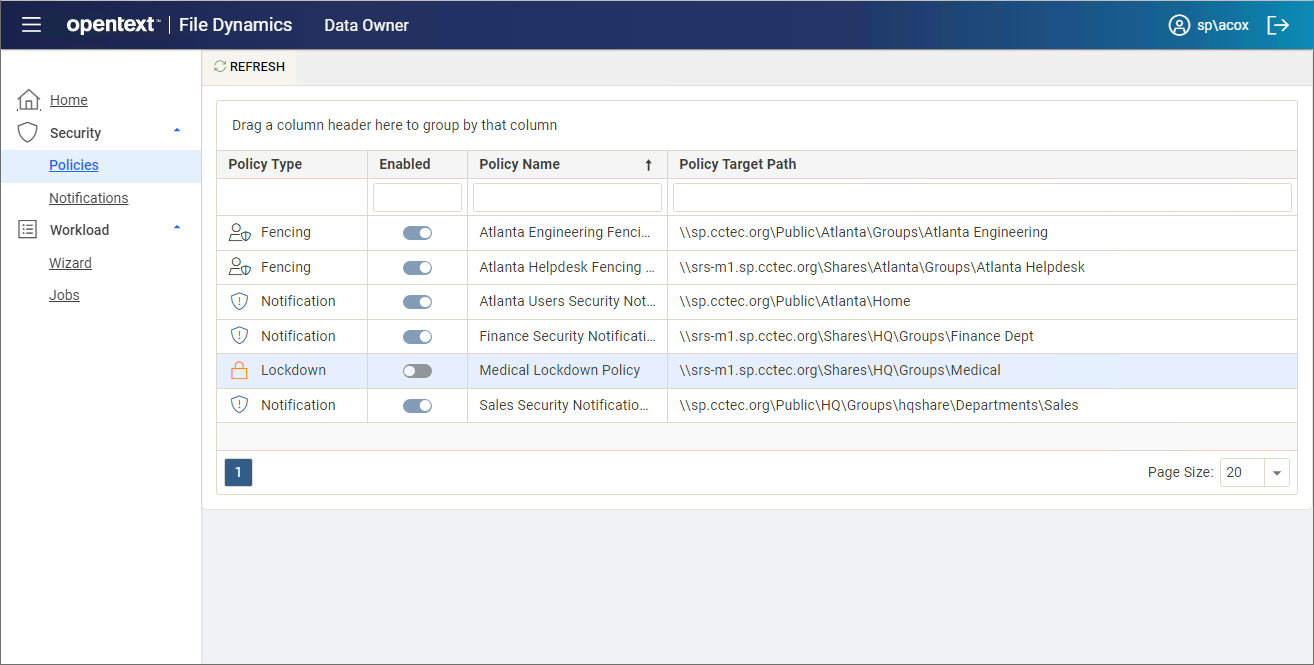
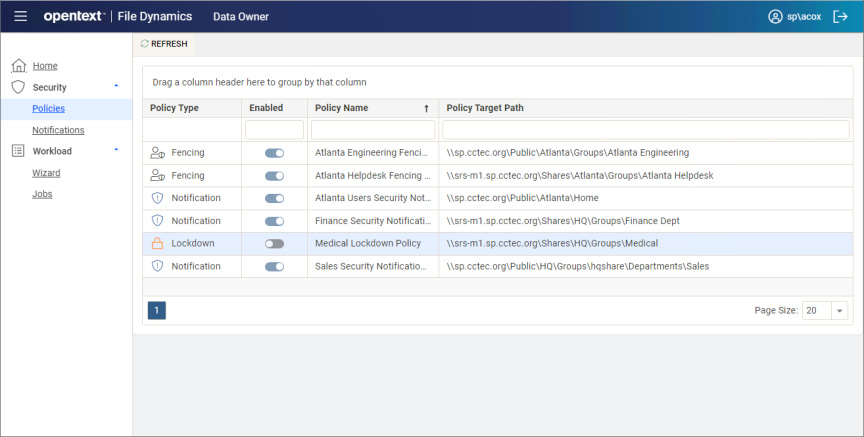
From the list of security policies, click toggle button of the disabled policy you wish to enable.
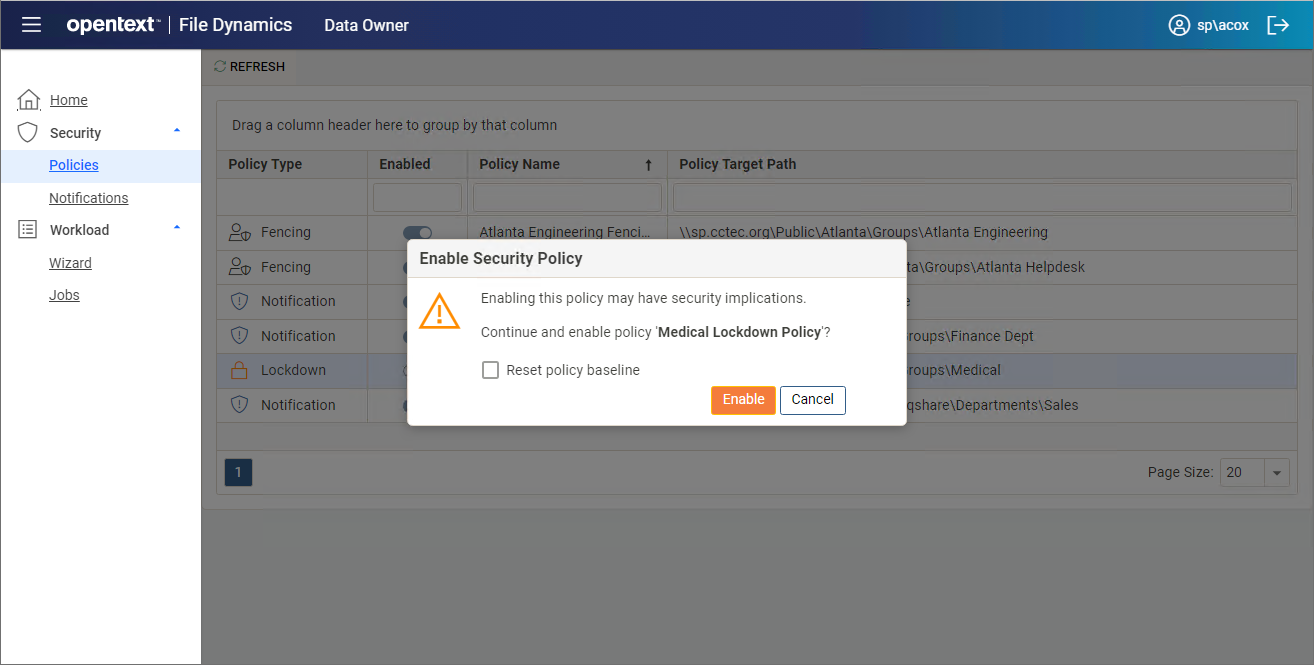
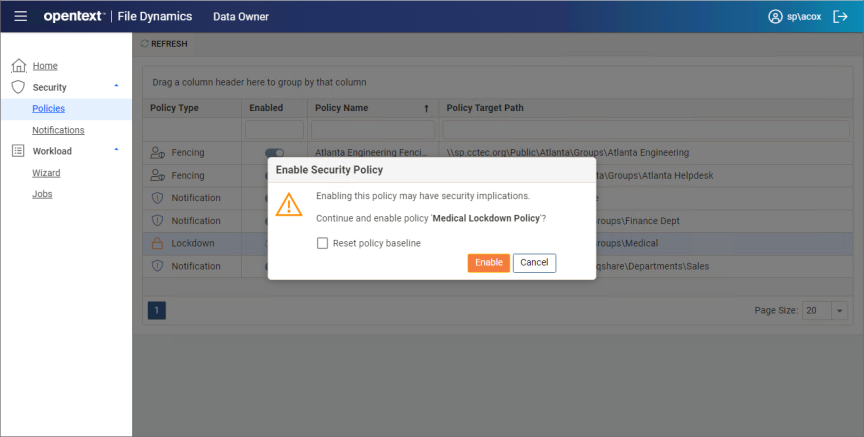
The following dialog box appears:
-
Do one of the following:
- If you want to keep the original baseline permissions for the target path before the policy was disabled, click Enable.
- If you want establish the new permissions specified in the policy for the target path, select the Reset policy baseline check box and click Enable.
This option removes previous security scans from the database and initiates a new security scan that will serve as the baseline.