Anomaly Reports
The GSR Collector performs Anomaly Analysis that generates data for Anomaly Reports. These reports are designed to help you evaluate the state of your storage infrastructure. Additionally, they can be used in preparation for using File Dynamics to bring storage under management by policy. Anomaly data will be produced for each object and path type specified in the GSR Collector configuration.
GSR Anomaly Report
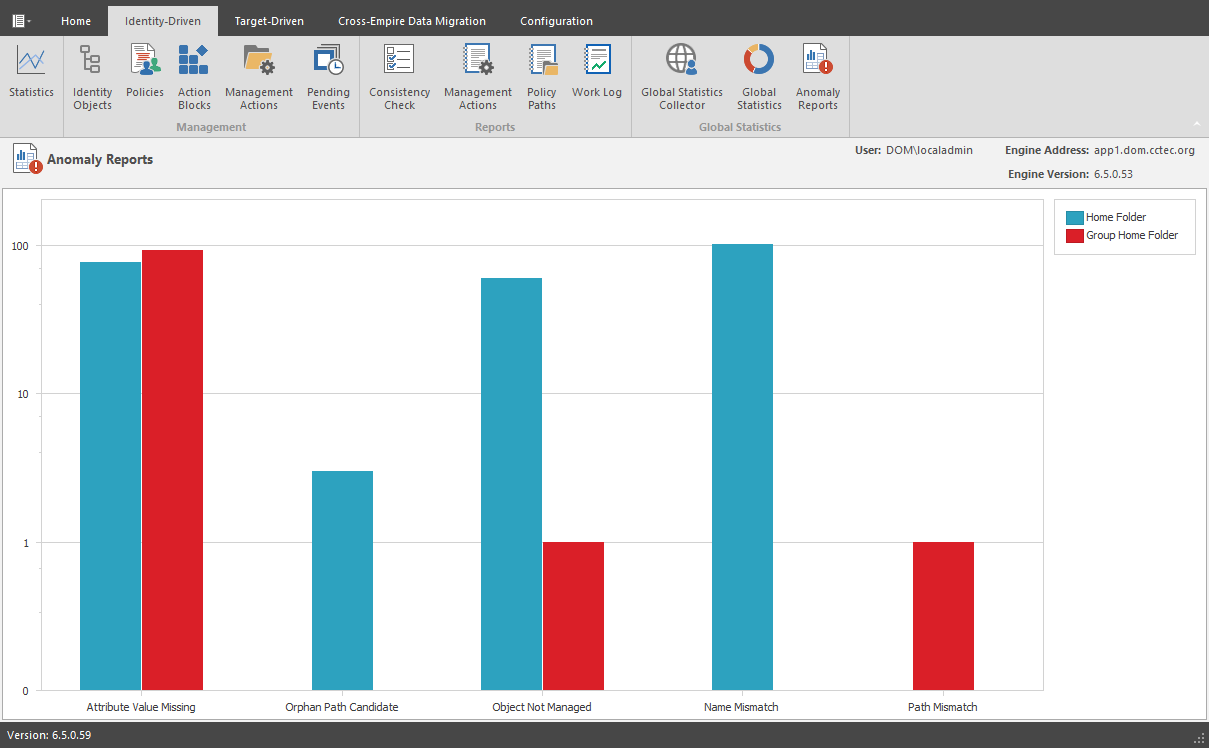
To see further detail about a specific anomaly report, single-click on the column.
A detailed summary of each of the GSR Anomaly reports follows in the sections below.
Attribute Value Missing
This Anomaly report indicates that the respective path attribute (e.g. home folder) does not have a value for a given object in Active Directory.
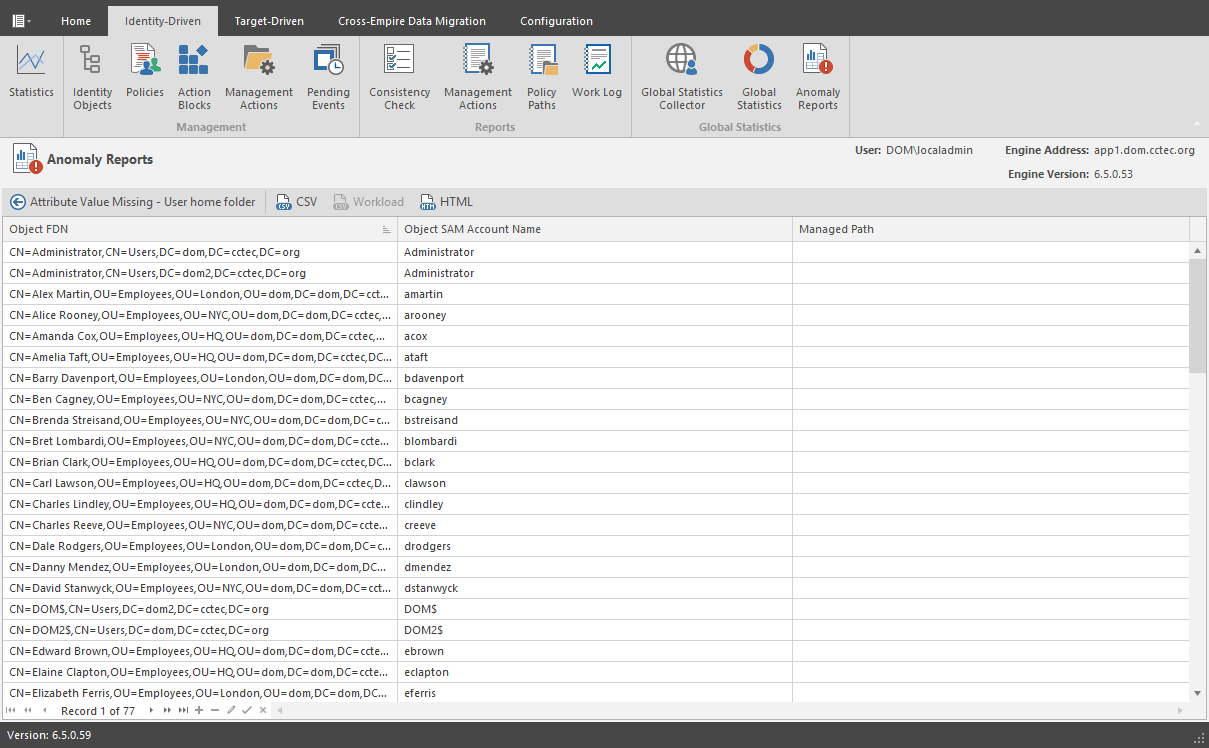
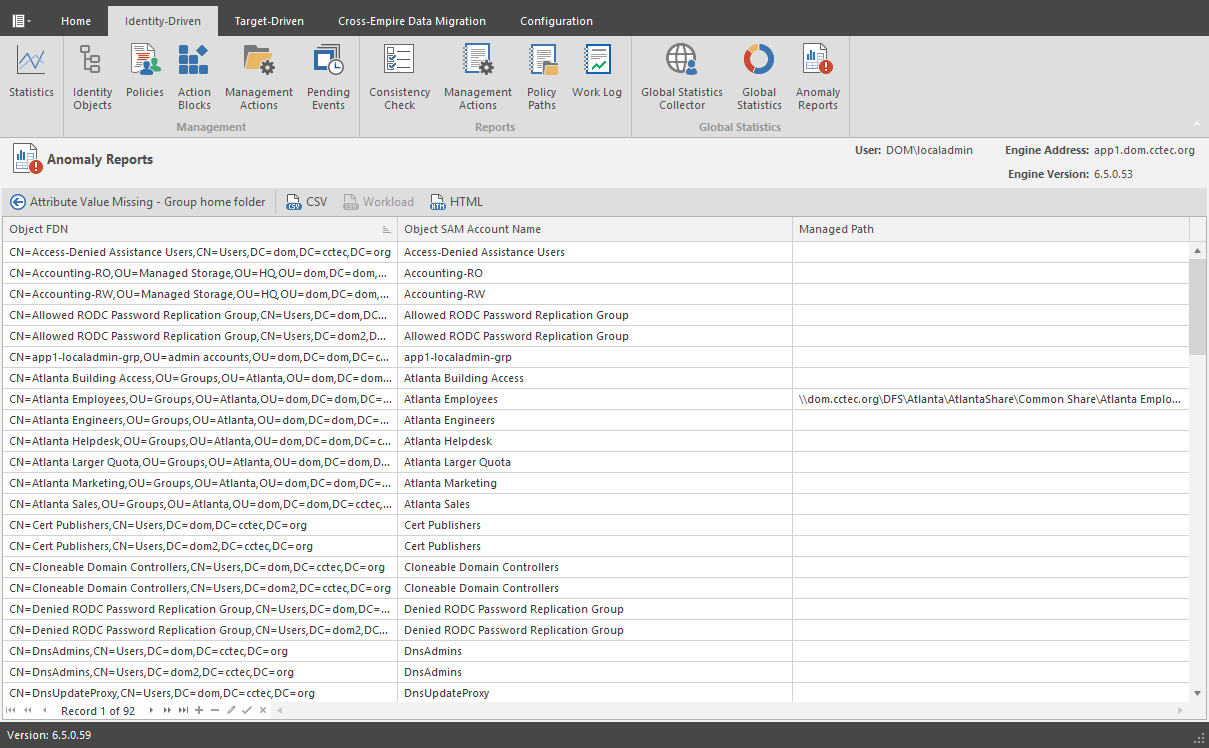
The graphic below is an example of an Attribute Value Missing Anomaly report. The Object FDN and Object SAM Account Name columns display the respective attributes. The Managed Path column does not have a value because this object is not yet managed by File Dynamics. These objects are reported because they do not have homeDirectory attribute values. This report can be used to identify objects that should be managed. It can also identify objects that have had their respective path attribute cleared accidentally or erroneously by an identity management system.
Attribute Value Missing
Path Missing on Disk
This Anomaly report indicates that the respective path attribute value (e.g. home folder) for a given object cannot be found on disk.
The graphic below is an example of a Path Missing on Disk Anomaly report. The Object FDN and Object SAM Account Name columns display the respective attributes. The Path column is the value of the homeDirectory attribute. The Managed Path column does not have a value because this object is not yet managed by File Dynamics. This object is reported because the path specified by its homeDirectory attribute does not exist on disk or could not be found. This report can be used to identify objects whose respective path attribute value no longer exists at that location because of accidental deletion or being moved manually.
Path Missing on Disk
Name Mismatch
This Anomaly report indicates that the leaf path name of the respective attribute value (e.g. home folder) does not match that of the respective object’s name.
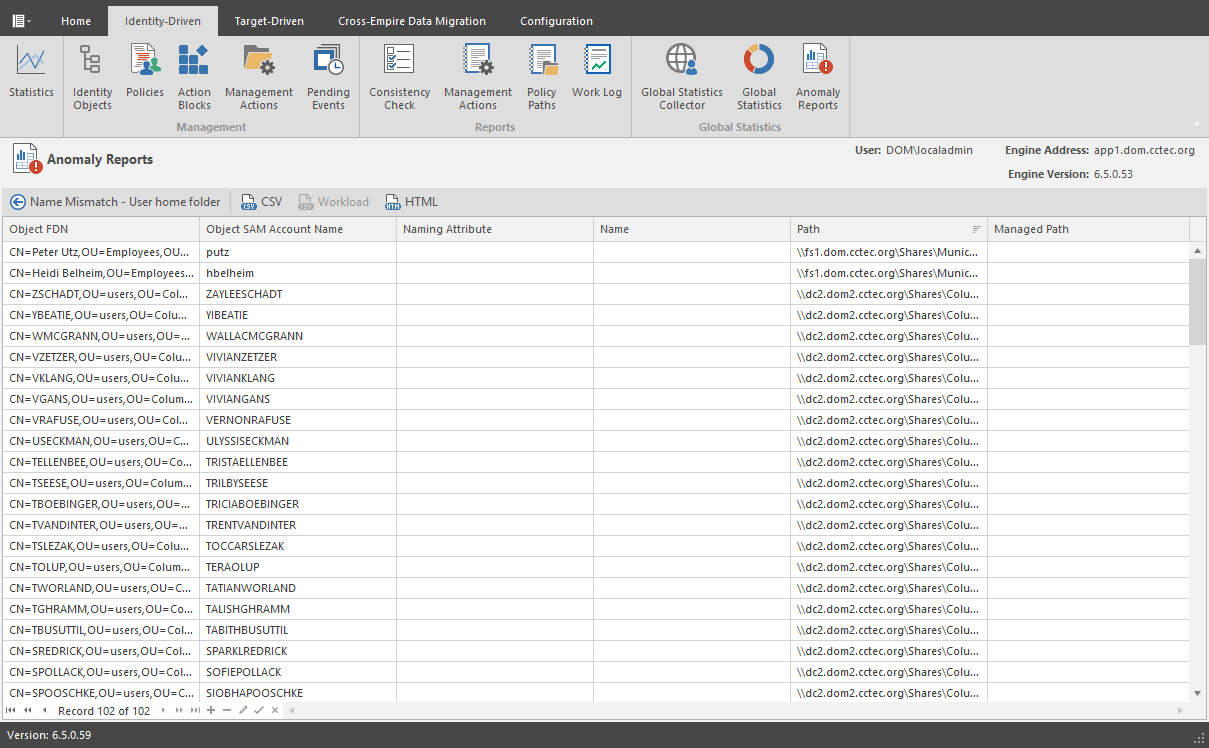
The graphic below is an example of the Name Mismatch report. The Object FDN and Object SAM Account Name columns display the respective attributes. The Path column is the value of the homeDirectory attribute. The Path column contains the current respective path attribute value obtained from Active Directory. The Managed Path column contains the path value when the object was last managed. This object is reported because the leaf path name specified by its homeDirectory attribute does not match the sAMAccount name attribute. This report can be used to identify objects whose respective path might have been changed manually.
Name Mismatch
Path Duplicate Value
This Anomaly report indicates that two or more objects have been detected that contain the same value for the respective path attribute (e.g. home folder).
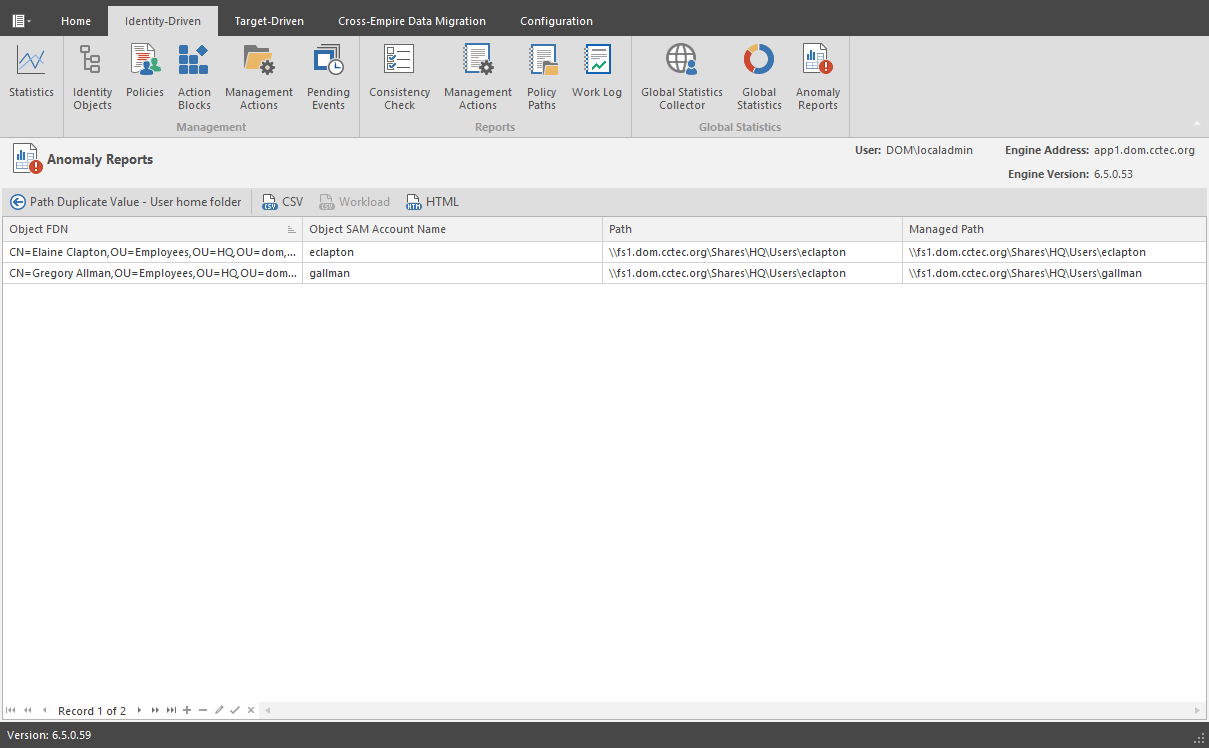
The graphic below is an example of the Path Duplicate Value report. The Object FDN and Object SAM Account Name columns display the respective attributes. The Path column is the value of the homeDirectory attribute. The Path column contains the current respective path attribute value obtained from Active Directory. The Managed Path column does not have a value because these objects are not yet managed by File Dynamics. These objects are reported because they have the same value for their homeDirectory attribute. This report can be used to identify objects who erroneously share the same path for the respective path attribute.
Path Duplicate Value
Path Parent Crosstalk
This Anomaly report indicates that the object’s respective path attribute value (e.g. home folder) has been detected as being the parent of another object’s path attribute value (e.g. home folder).
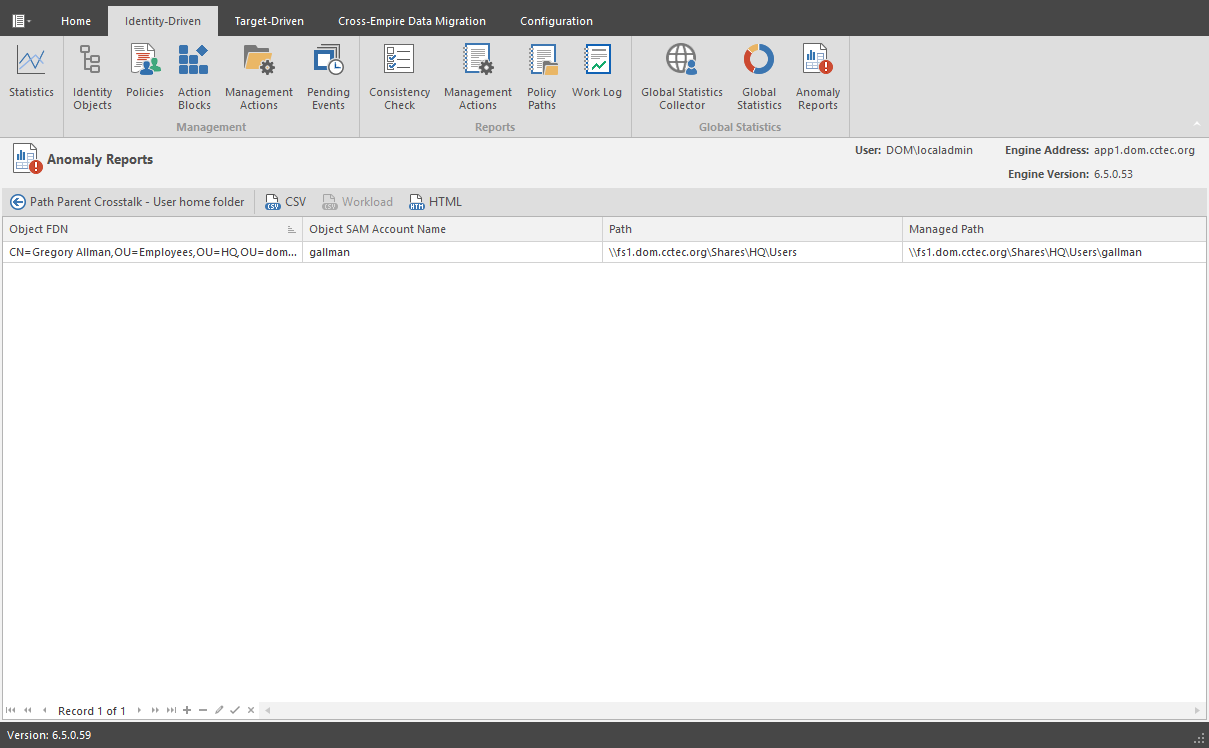
The graphic below is an example of the Path Parent Crosstalk report. The Object FDN and Object SAM Account Name columns display the respective attributes. The Path column is the value of the homeDirectory attribute. The Path column contains the current respective path attribute value obtained from Active Directory. The Managed Path column does not have a value because these objects are not yet managed by File Dynamics. This object is reported because the value for its homeDirectory attribute has been detected as being the parent of another object’s homeDirectory attribute. This report can be used to identify objects whose respective path attribute is set to the wrong location and might impact another object’s storage.
Path Parent Crosstalk
Path Child Crosstalk
This Anomaly report indicates that the object’s respective path attribute value (e.g. home folder) has been detected as being the subordinate of another object’s path attribute value (e.g. home folder).
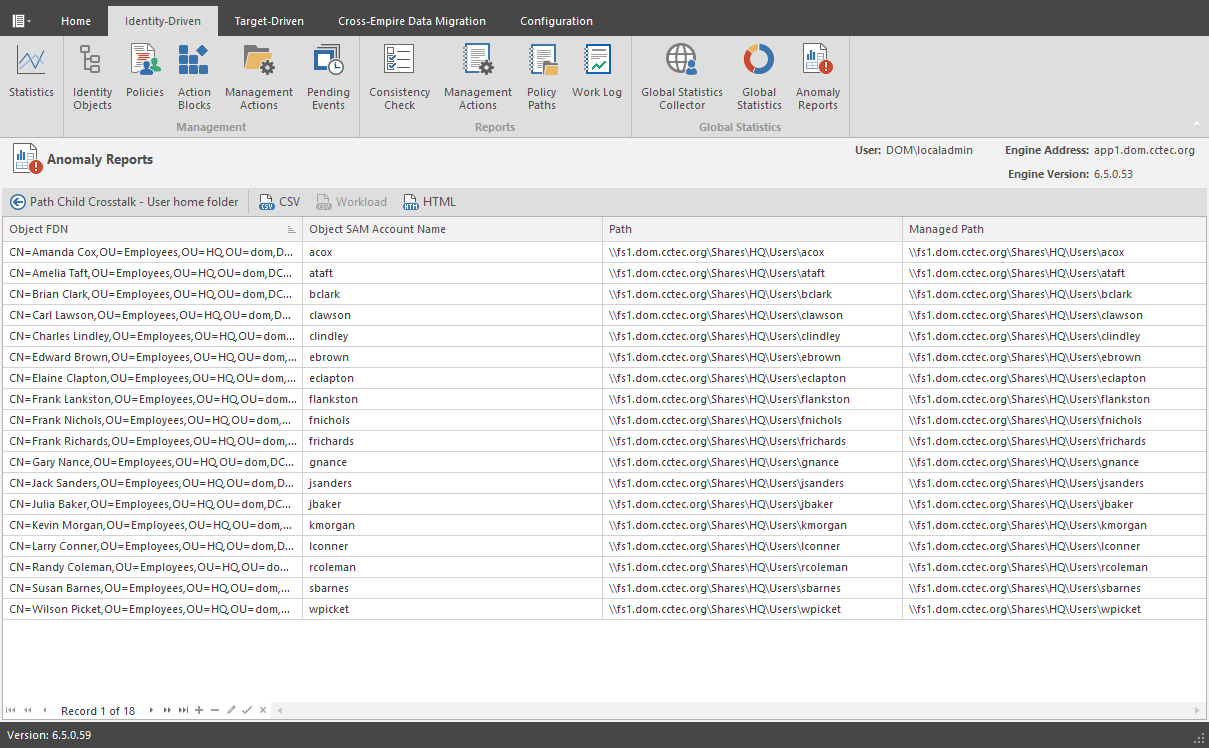
The graphic below is an example of the Path Child Crosstalk report. The Object FDN and Object SAM Account Name columns display the respective attributes. The Path column is the value of the homeDirectory attribute. The Path column contains the current respective path attribute value obtained from Active Directory. The Managed Path column does not have a value because these objects are not yet managed by File Dynamics. This object is reported because the value for its homeDirectory attribute has been detected as being the child of another object’s homeDirectory attribute. This report can be used to identify objects whose respective path attribute might be impacted by another object’s storage.
Path Child Crosstalk
To see which object is a parent of this object’s homeDirectory attribute value, see Path Parent Crosstalk.
Orphan Path Candidate
This anomaly report indicates that the path is directly subordinate to a path at which other DS-associated paths have been found, but has not been detected as being associated with any DS object via a path attribute (e.g. home folder).
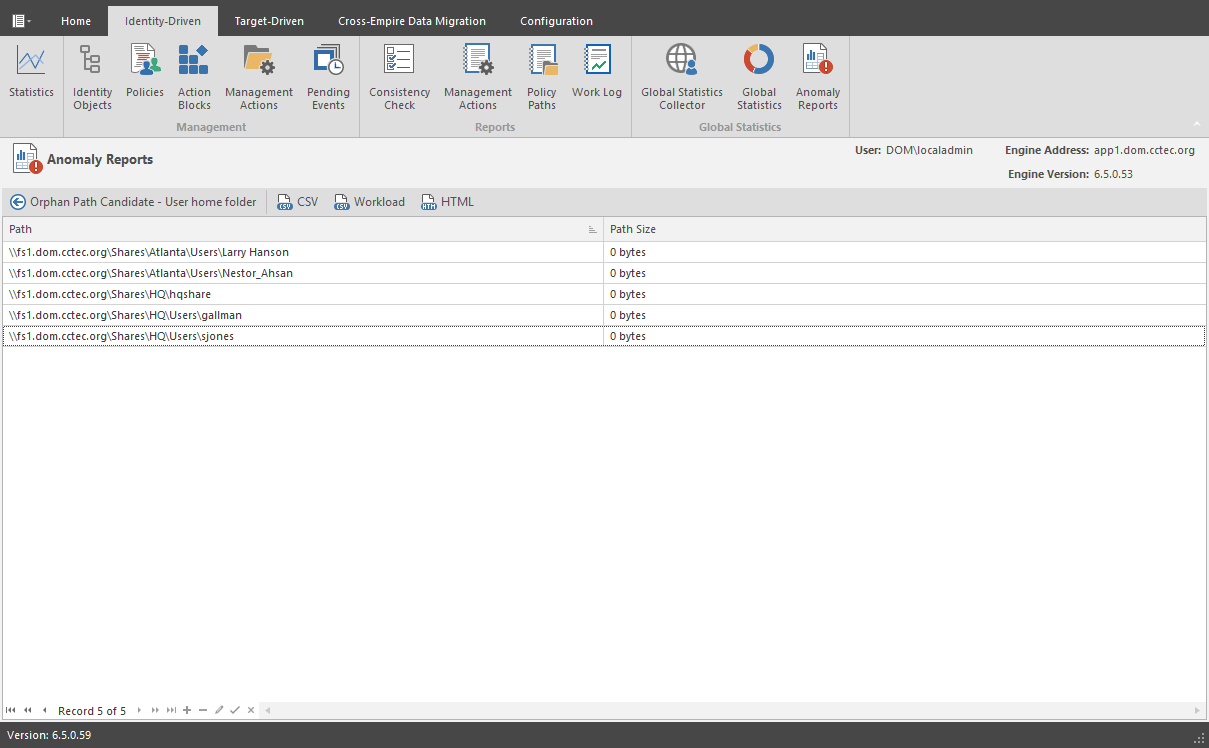
The graphic below is an example of the Orphan Path Candidate report. The Path column is any path that is directly subordinate to a path at which other DS-associated paths have been found. However, the path is not associated with any object via a path attribute. This report can be used to identify folders that don’t belong to objects or are considered unmanaged.
Orphan Path Candidate