Managing Quotas Through Quota Manager
- Launch a web browser.
- Enter the following address:
https://ip-address-or-dns-name-of-engine-server:3009/qm - (Conditional) If a message appears informing you that the connection is not trusted, proceed by adding the security exception and downloading the certificate.
The following screen appears: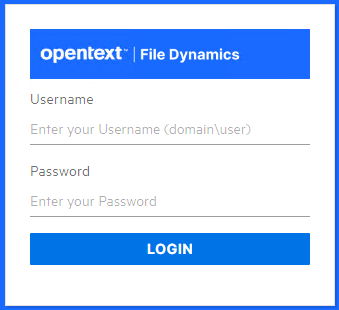
- Enter a username and password and click Login.
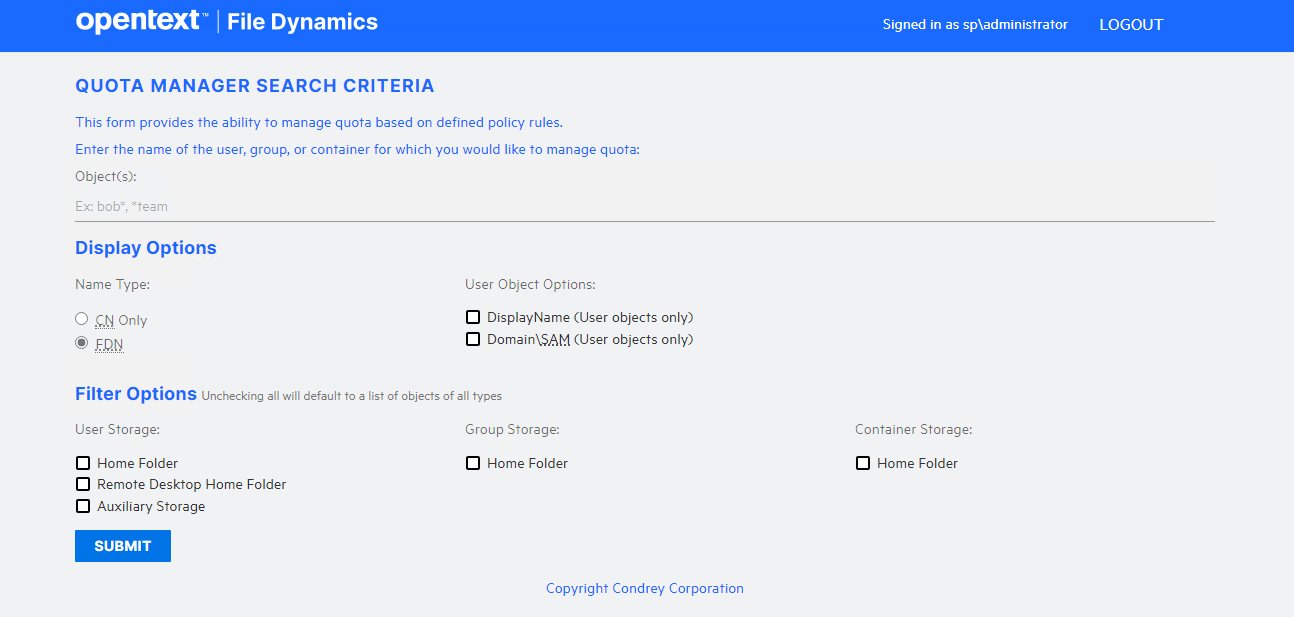
- In the Object(s) field, specify a user, group, or container name, or use an asterisk (*).
In large networks, building a list through the asterisk can be time consuming. - Specify your display and filter preferences in the corresponding regions.
- Click Submit.
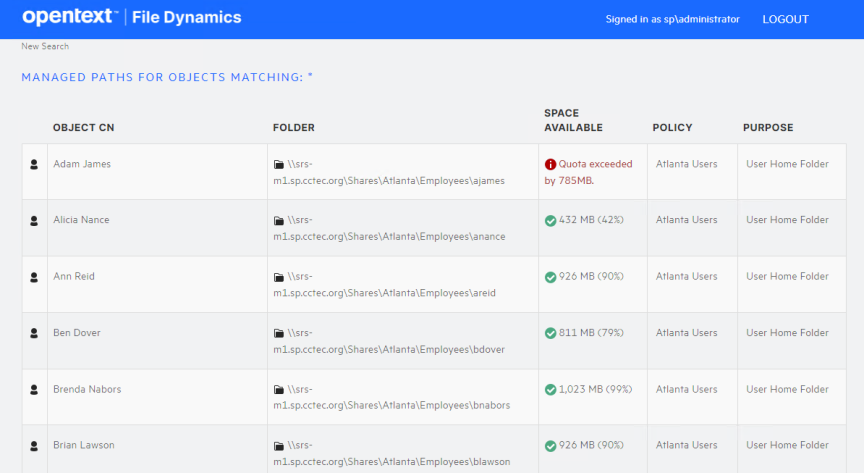
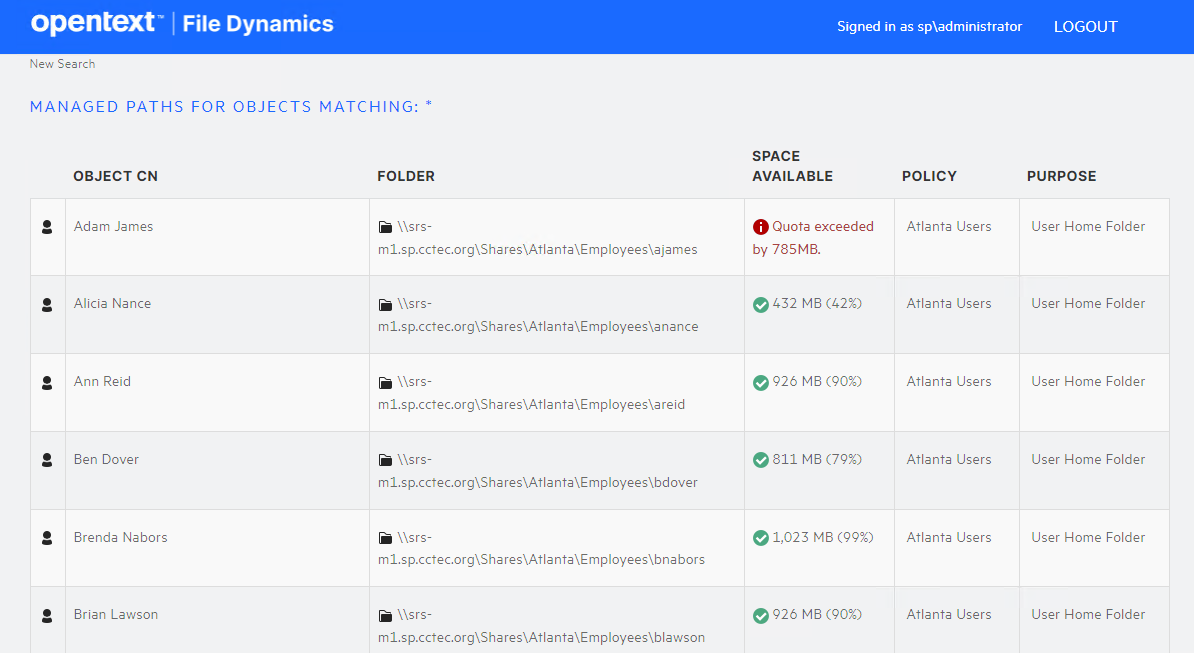
- Select the user, group, or container you want to manage and click the Manage Object button.
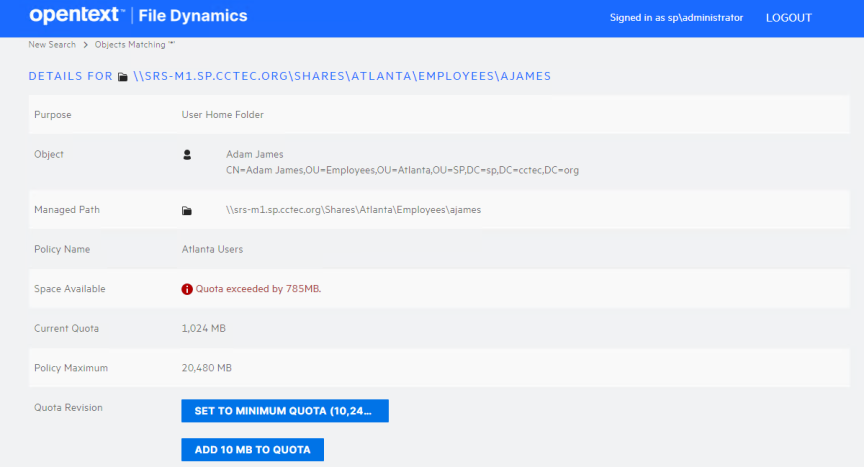
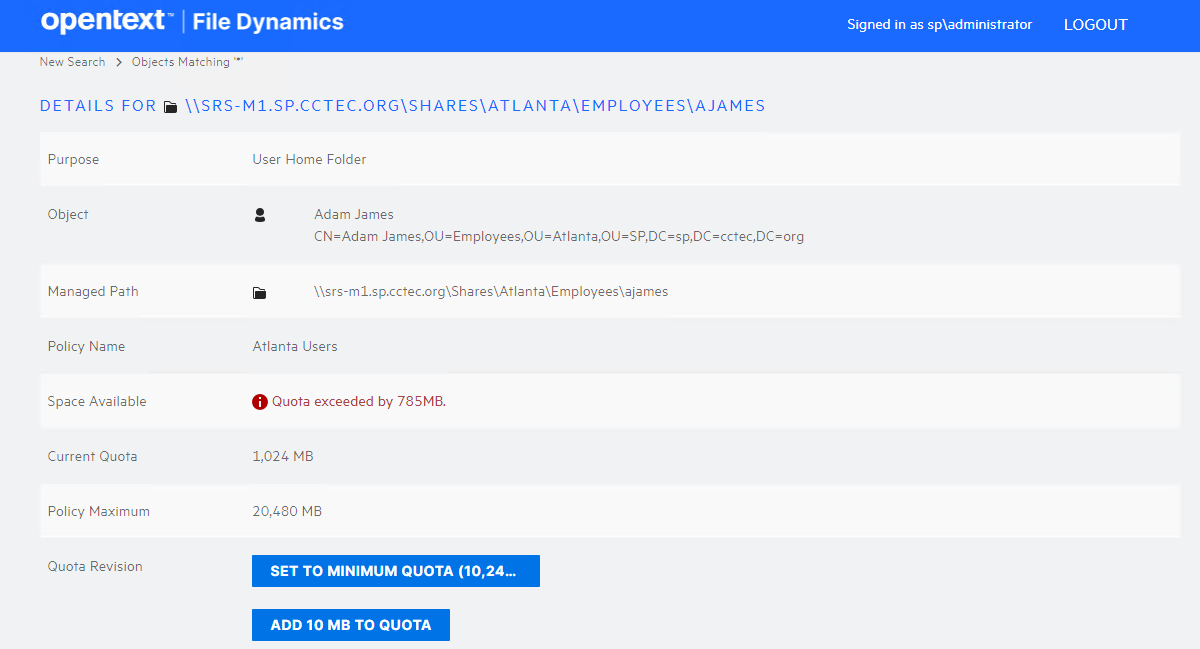
- Add or remove a quota or perform a storage analysis by using the buttons provided.
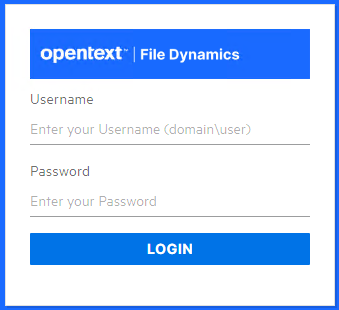
The username and password must correspond to a user that has been designated as a quota manager either directly or through a group association.
The username must be in Domain\Account or User Principal Name format such as domain\user or user@full.domain.com.