Consistency Check
This page is used to access and export stored Consistency Check reports.
To access a report, double-click a report listing to access the View Report dialog box.
Consistency Check Report 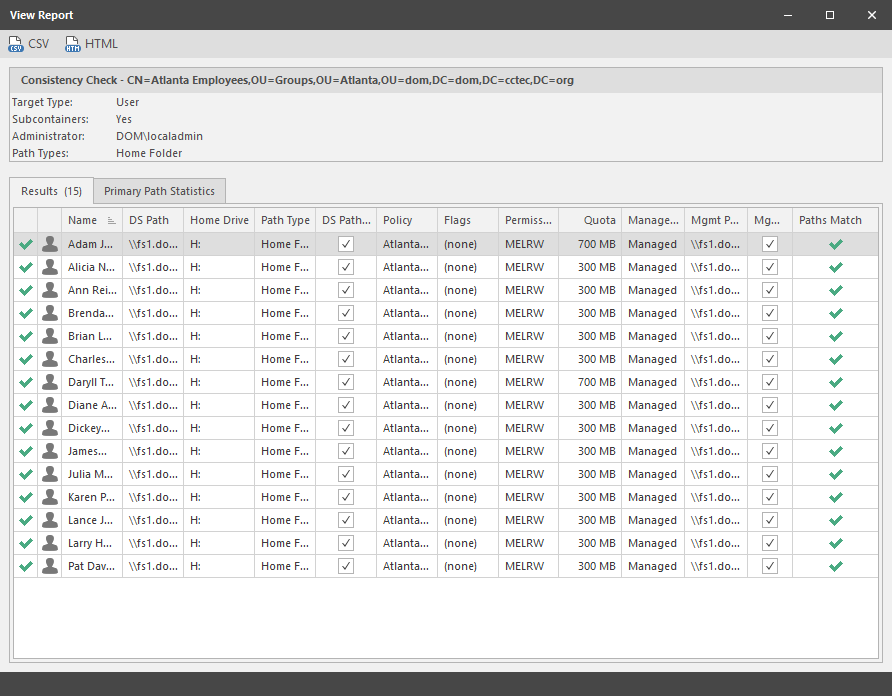
The dialog box displays the contents of the Consistency Check report.
The Primary Path Statistics tab shows the rights, flag, and path distribution data in text and graphical format.
Primary Statistics in a Consistency Check Report 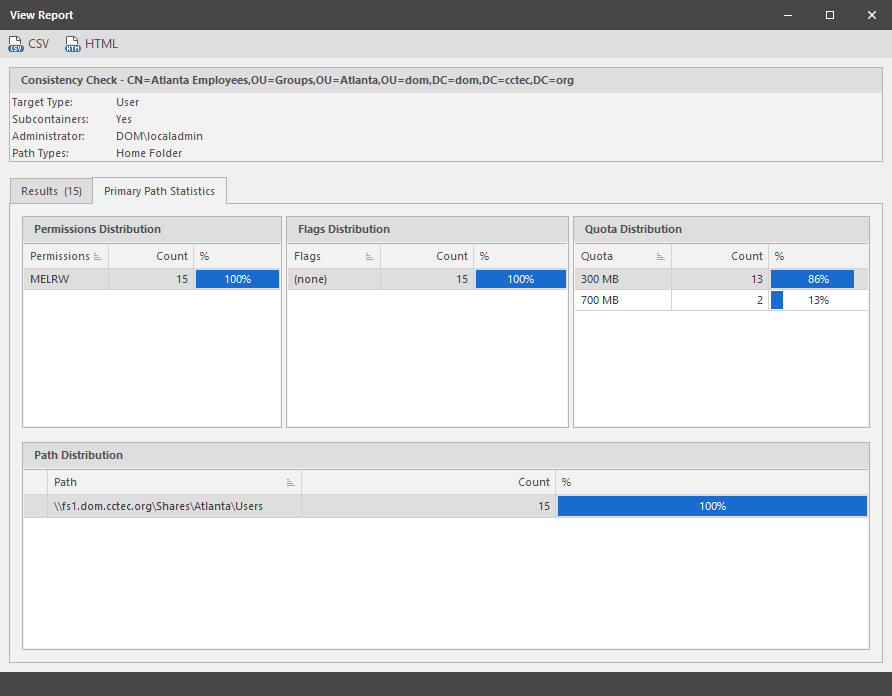
To export a Consistency Check report, double-click a report listing to access the View Report dialog box, and then in the upper-left corner of the dialog box, click either the CSV or HTML icons.
For more information on Consistency Check Reports, see Running Consistency Check Reports on Existing Storage and Performing a Consistency Check.