Move Policy
A discussion of fields and settings specific to a Move policy follows.
Move Policy Page 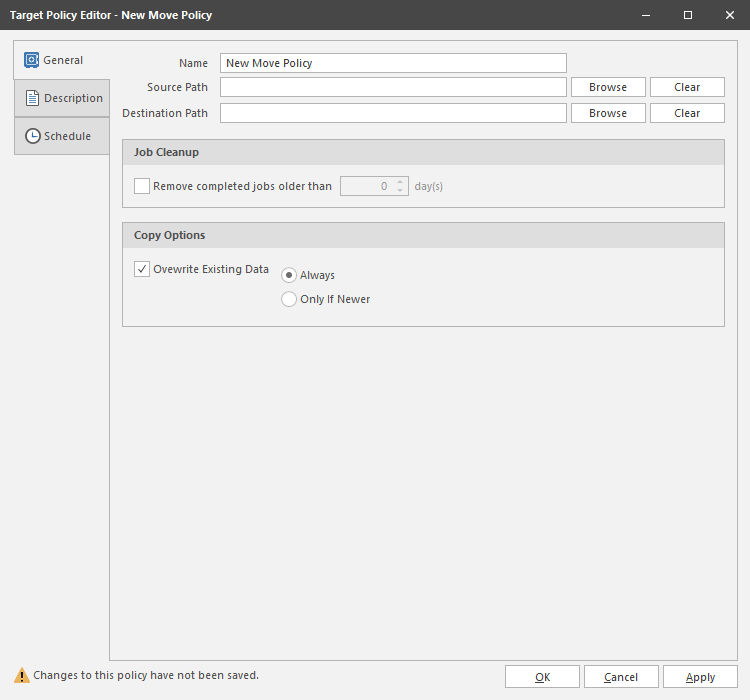
General Tab
Name: Use this field to specify a name for the Move policy.
Source Path: Displays the location in the file system from where the files will be moved.
Destination Path: Displays the location in the file system where all moved files for this policy will be relocated.
Remove completed jobs older than: Lets you specify the number of days that a Move task from this policy is listed on the Jobs list before it is purged.
Overwrite Existing Data: With the default setting, File Dynamics will overwrite an existing file on the target destination only if the same file from the source location is newer. You can adjust this setting to your preferences.
Description Tab
The Description box indicates when the policy was created. It also lets you write notes pertaining to the policy. The Description box allows up to 255 characters.
Schedule Tab
Displays the schedule for the Move policy.
For procedures on scheduling a Move policy, see Create a Move Policy.