Installing the Admin Client
The Admin Client is the administrative interface for File Dynamics. It can be installed on any Windows platform where .NET 7.0 can run.
- On the Windows server or workstation where you will run the Admin Client, copy to a directory the
FileDynamics_6.6.iso. - Mount the
FileDynamics_6.6.isofile. - At the root of the
File Dynamics_6.6.0.isoimage, double-clickFile Dynamics-Admin-6.6-xx.exe. - When you are asked if you want to run this file, click Run.
- Agree to the licensing terms and conditions and click Install.
- When notified that the setup was successful, click Run Admin Client.
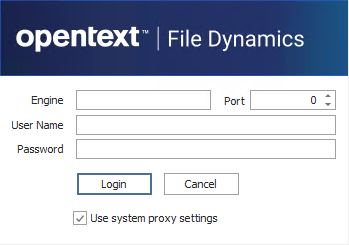
- The Admin Client login dialog box appears.
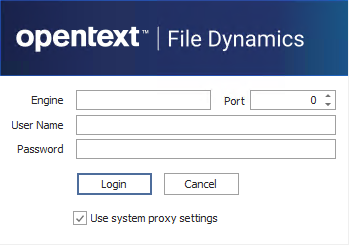
- In the Engine field, specify the DNS name or IP address.
- In the Port field, specify the secure port number.
- The default setting is 3009.
- Specify the username and password.
- The user must be a member of the File Dynamics Admins group to be able to log in.
- Click Login.