Installing the Engine
File Dynamics uses only one Engine per forest. The Engine can be installed on host server that meets the following minimum requirements:
- Microsoft Windows Server 2022 (Member Server)
- Microsoft Windows Server 2019 (Member Server)
- At least 8 GB RAM
- 4 GB for the Engine service
- 4 GB for the Data Owner web service installed with the Engine
- For quota management, Microsoft File System Resource Manager (FSRM) must be installed; see File Server Resource Manager in the File Dynamics6.6 Administration Guide.
- Forest functional level of Windows Server 2003 or later
Other notable information about the Engine:
- The Engine runs as a native NT service that is configured to start by using the Local System account
- The default Engine port is 3009
- The firewall inbound rule is added during the Engine installation
- At the root of the
FileDynamics_6.6.isoimage, double-click File Dynamics-Engine-6.6-xx.exe. - When you are asked if you want to run this file, click Run.
- Agree to the licensing terms and conditions.
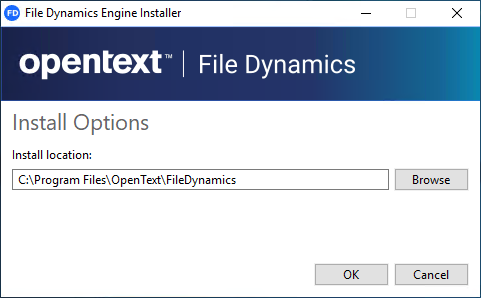
- (Conditional) If you want to install the Engine to a location other than the default path, click Options.
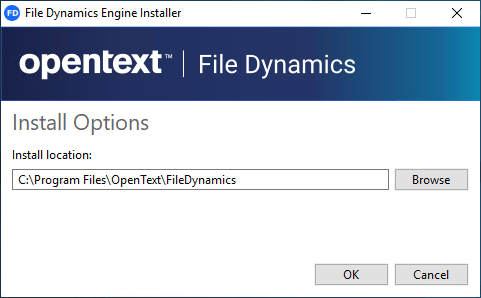
- In the Install location field, specify the new path and click OK.
- Click Install.
- Read the overview on the initial page of the wizard and click Next.
- Click Install.
- Click Finish to close the wizard.
- The Install Successful message indicates that the Engine and Config Utilities were installed successfully.
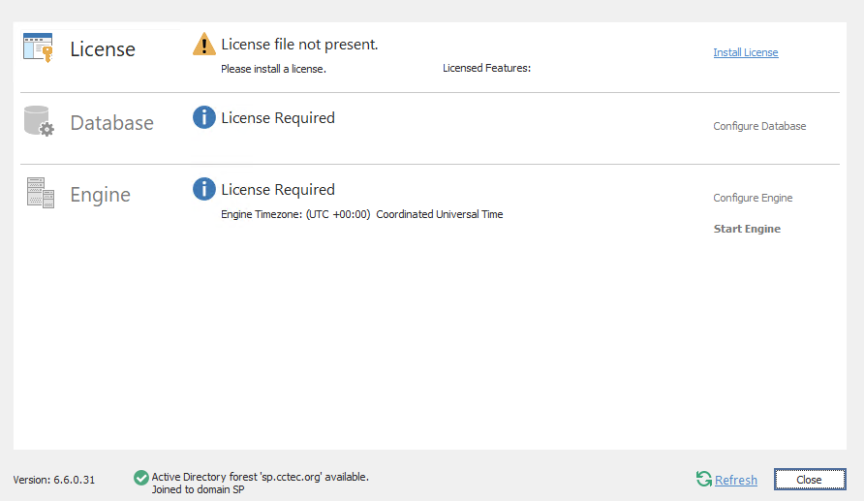
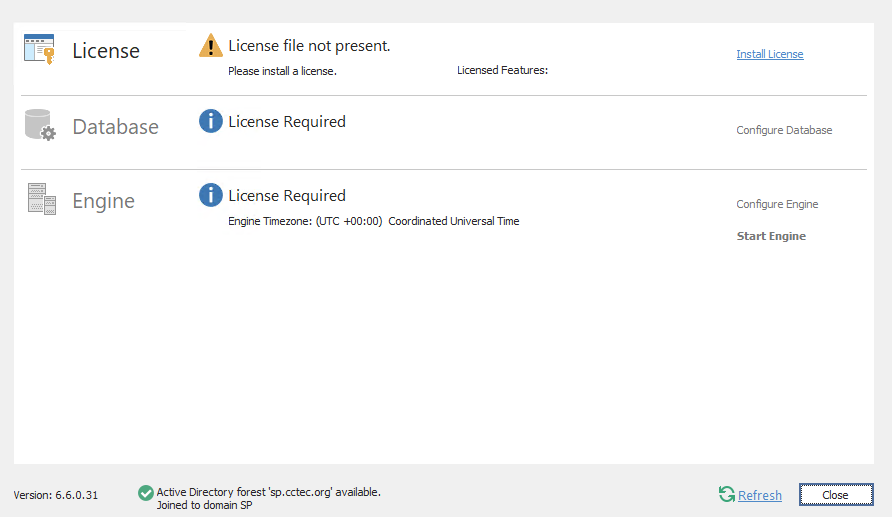
- Click Run Configuration Utility.
- The Configuration Utility is launched.