Scan Targets
Adding a Scan Target
A share must be specified as a scan target before it can be scanned.
-
Select Scan Targets in the File Systems menu.
-
Click Add.
-
Click the drop-down arrow (4) to view the shares of the listed servers.
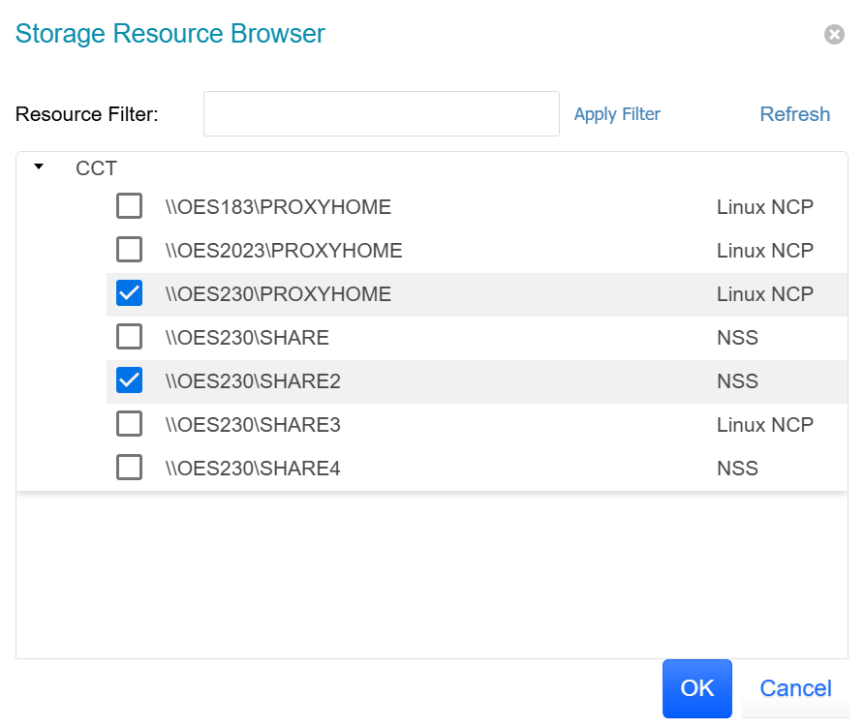
-
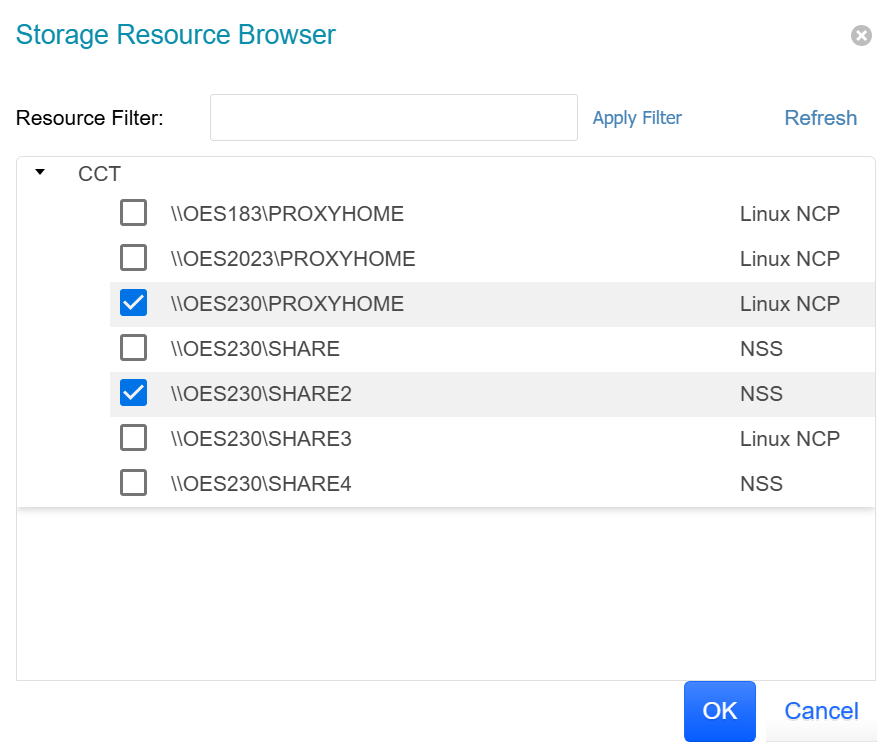
Select each entry you want to add as a scan target, then click OK.

Removing a Scan Target
-
Select Scan Targets in the File Systems menu.
-
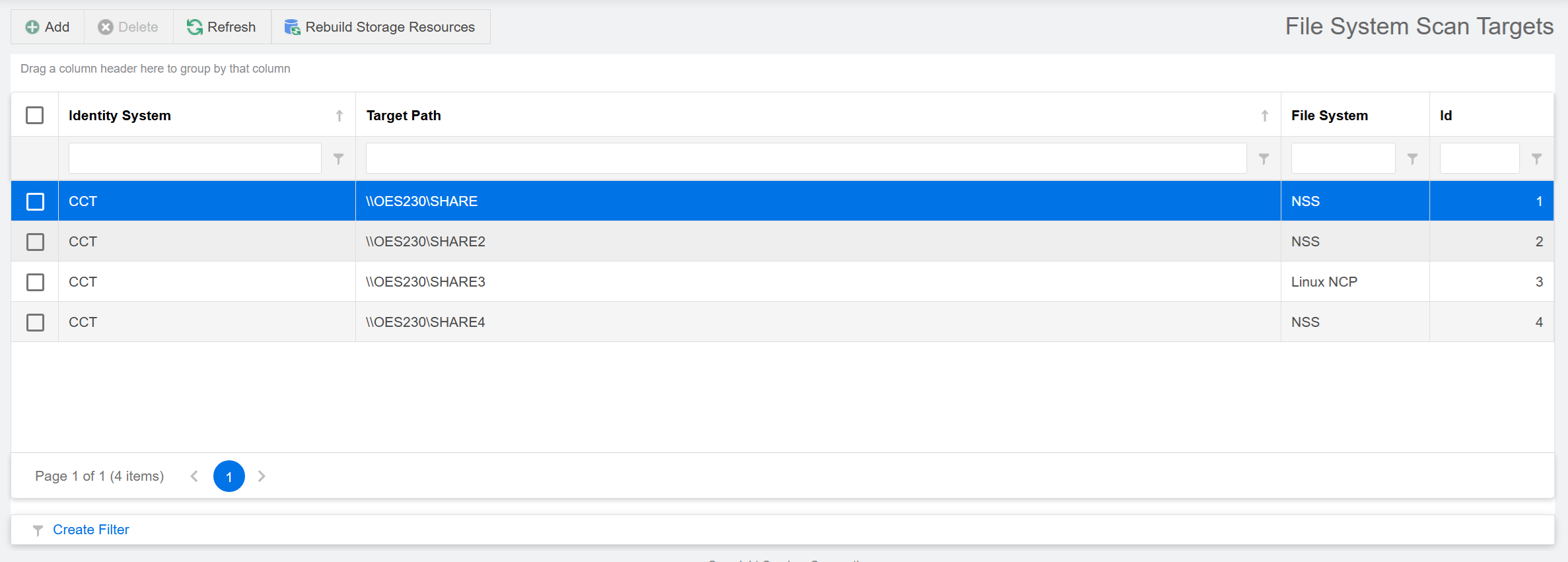
Check the box of the share you want to remove as a scan target, then click Delete.
-
Click Yes to confirm.