File Content Classifications
File Reporter requires file content classifications as search parameters. File Reporter includes three classifications and severity levels which you can modify by editing the settings, or you can create your own classifications.
Creating a New Classification
-
Select Classifications in the File Content menu.
-
Click Add.
-
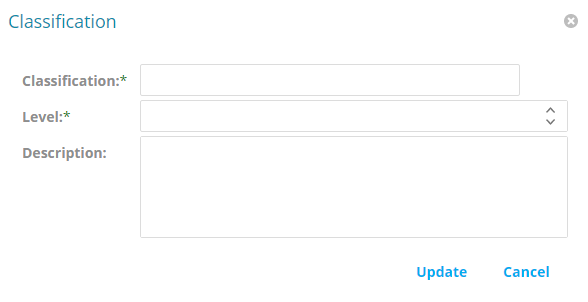
Enter a name in the Classification field (e.g., "Private").
-
Specify a severity level for the new classification in the Level field (e.g., "400").
-
Enter a description for the new classification in the Description field (e.g., "High-risk, private information not intended for public disclosure.")
-
Click Update.
Editing a Classification
-
Select Classifications in the File Content menu.
-
Select the classification you want to edit.
-
Click Edit.
-
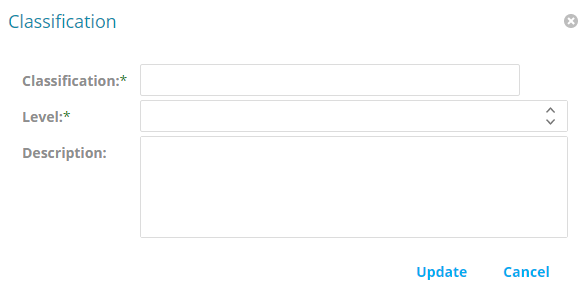
Edit the fields.
-
Click Update.