Tenants
To scan the Microsoft 365 Tenant:
-
Select Tenant in the Microsoft 365 menu.
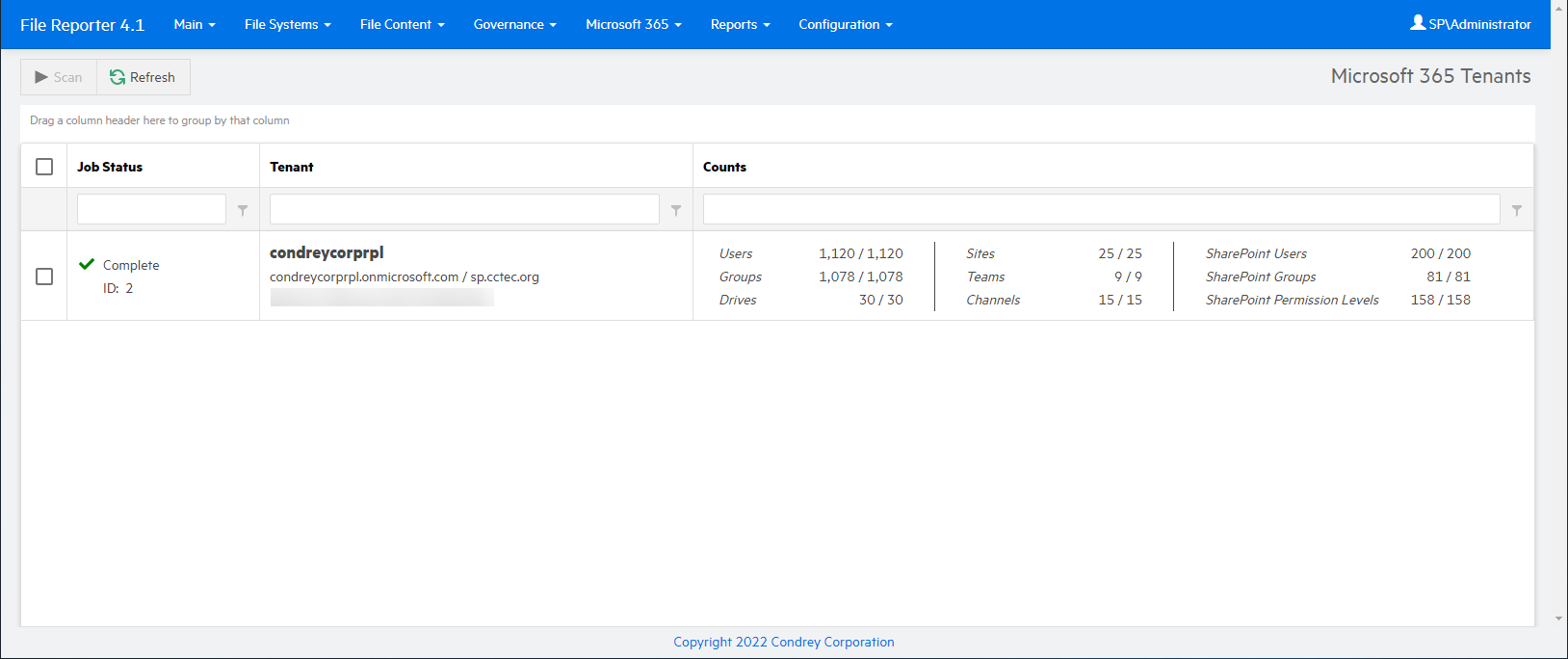
-
Check the box associated with the listed tenant, then click Scan. The progress of the scan is displayed in the Counts column.
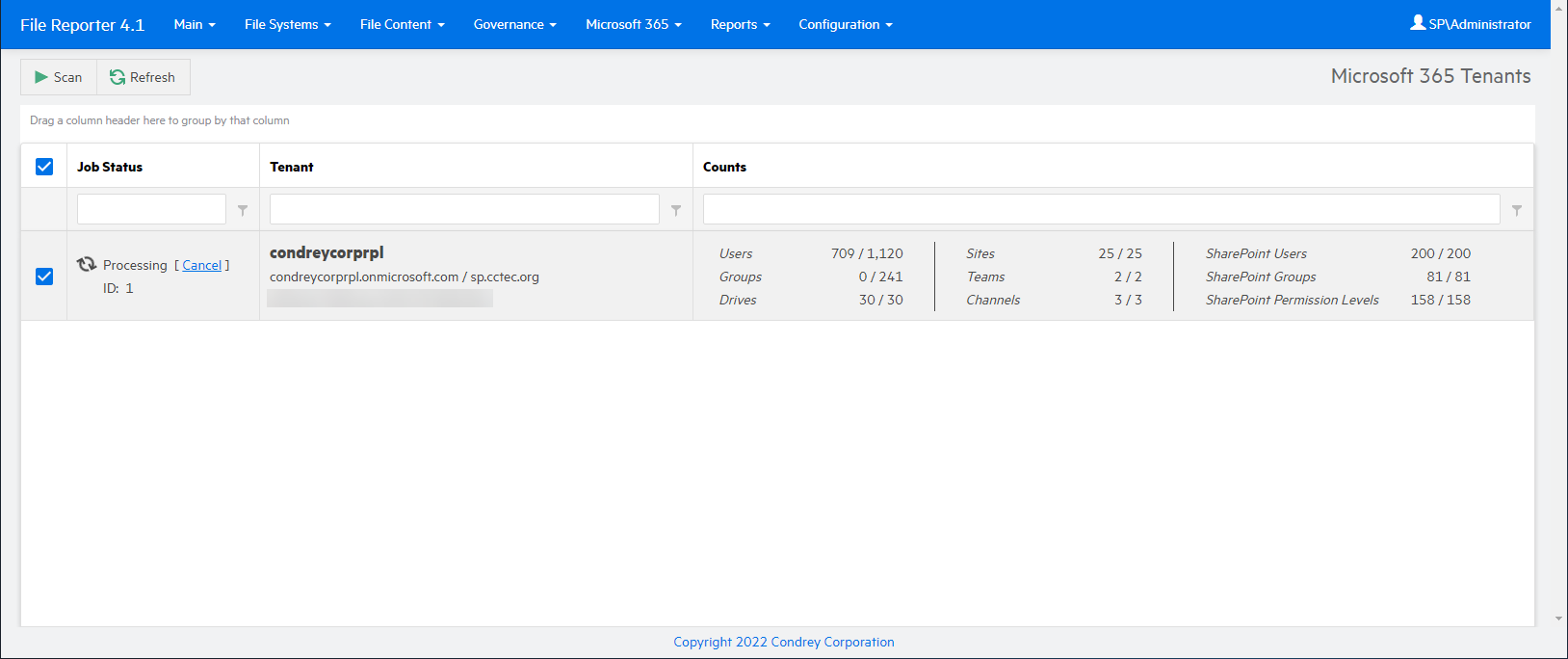
-
Select Drives in the Microsoft 365 menu to monitor the progress of the scan in the various drives.
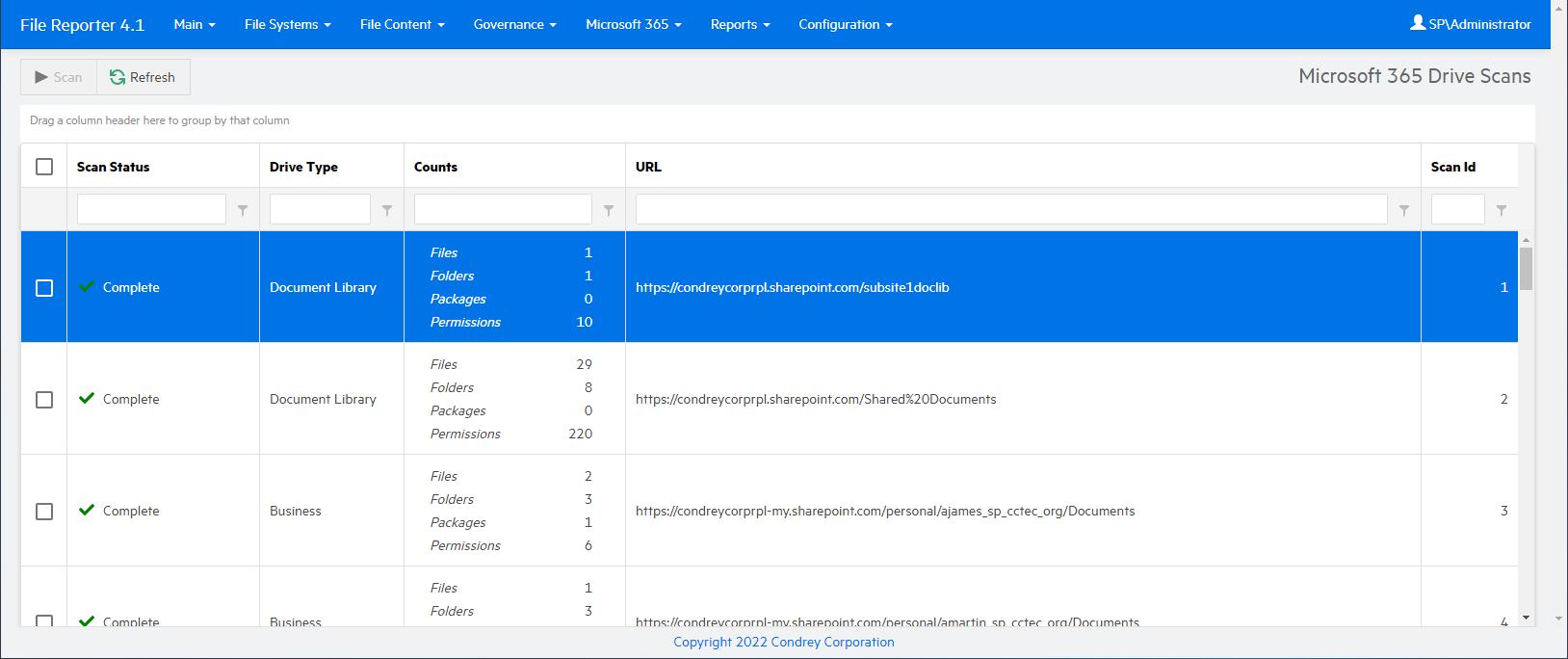
When the Job Status column indicates the scan is complete, you can generate a Microsoft 365 report — see Microsoft 365 Reports in the File Reporter 2024.1 Custom Query Guide for details.