Creating a Report
NOTE: Refer to the File Reporter 24.4 Custom Query Guide for details and examples of the supported database functions, tables, and views you can utilize in Custom Query reports.
-
Click New Custom Query Report.
-
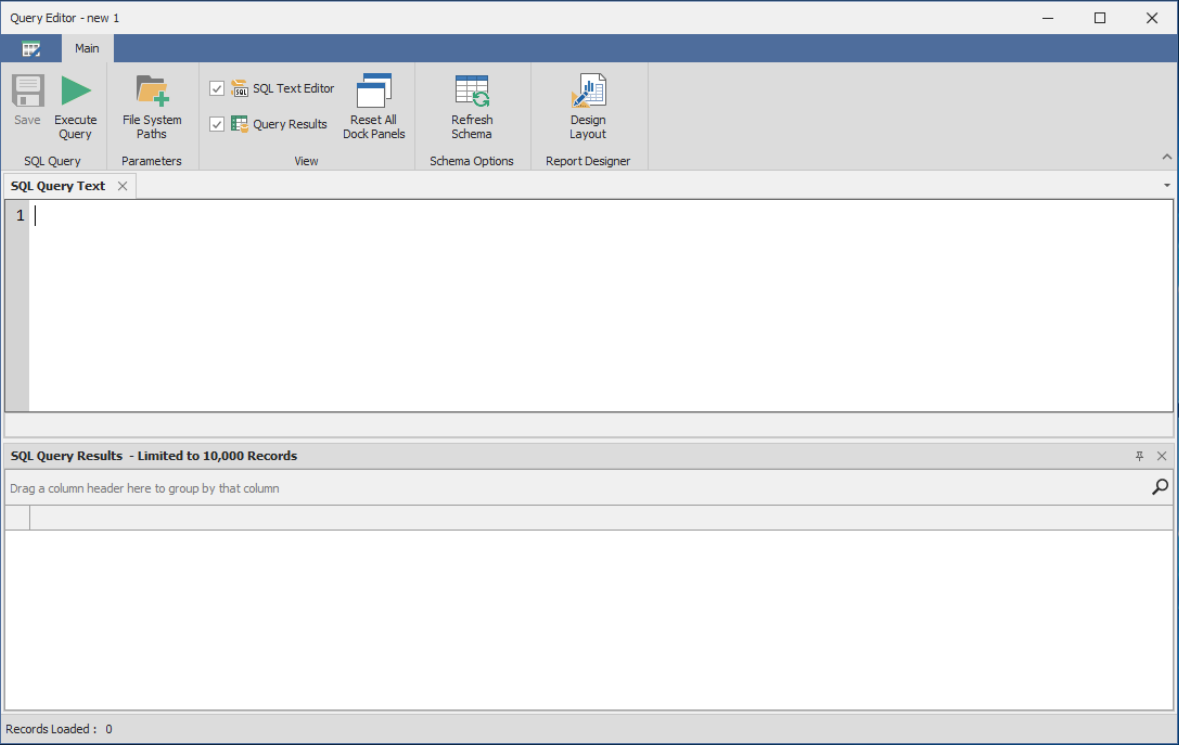
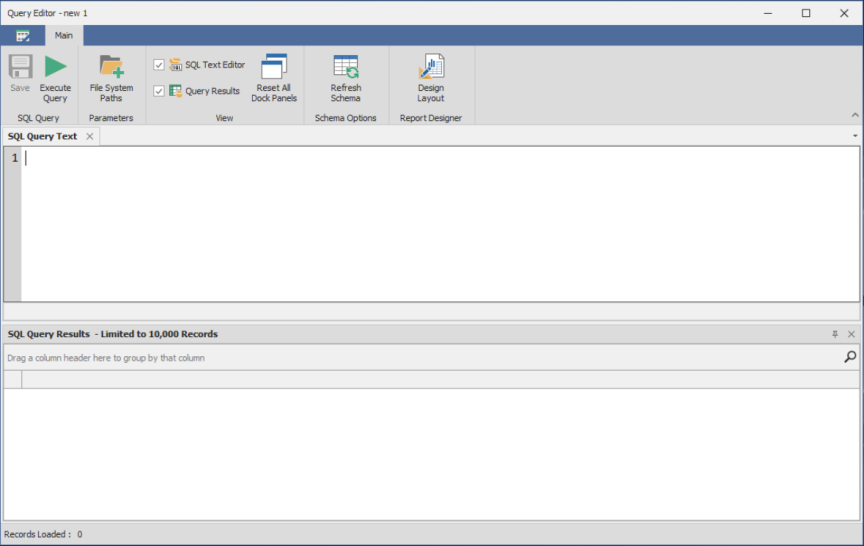
Enter a descriptive name and click Create to launch the Report Designer Query Editor.
-
Update the query as desired in the text editor.
-
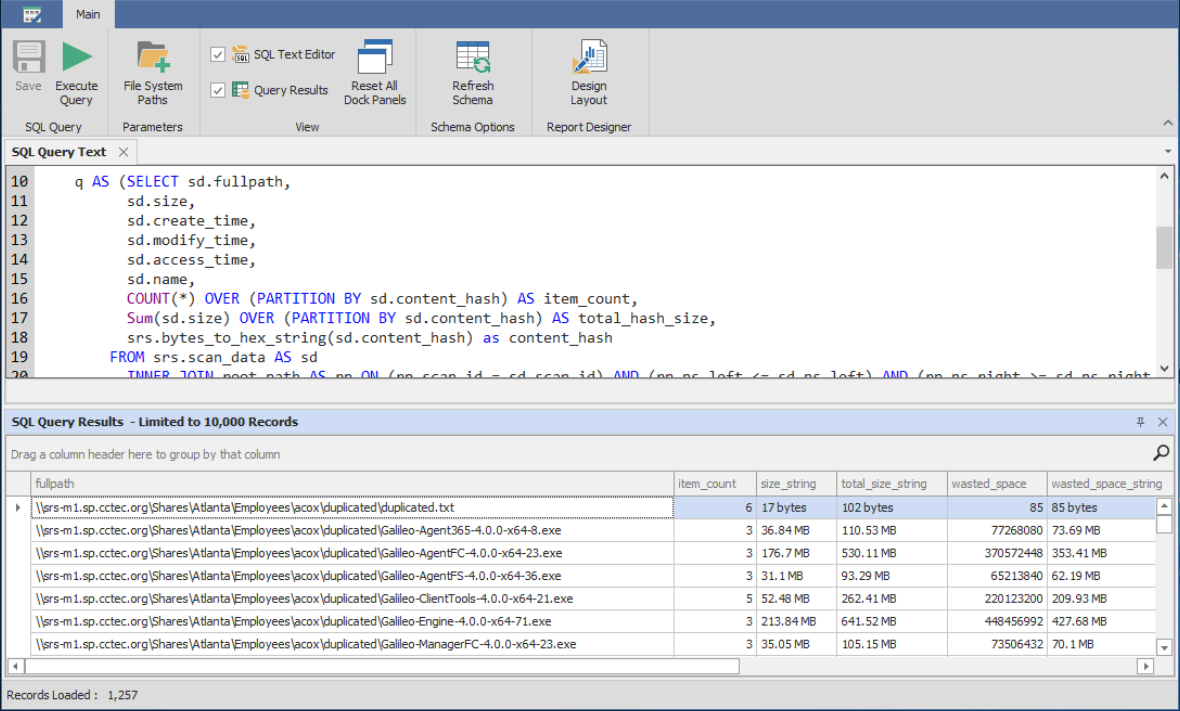
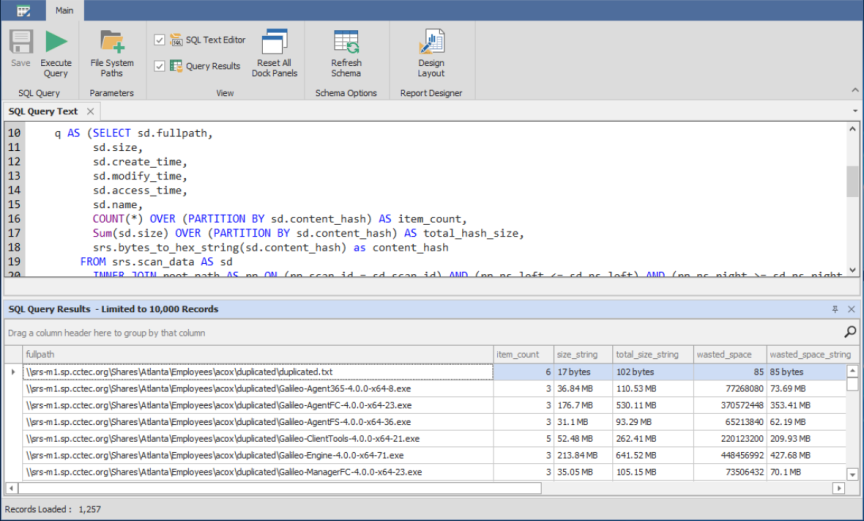
Click Execute Query to preview the Custom Query report.
-
Click Save.
-
Close the Query Editor.