Managing File Content Scans
Verify AgentFC Registrations
-
Select Agents in the File Content menu to view the version, last heartbeat, and other details for each deployed AgentFC.
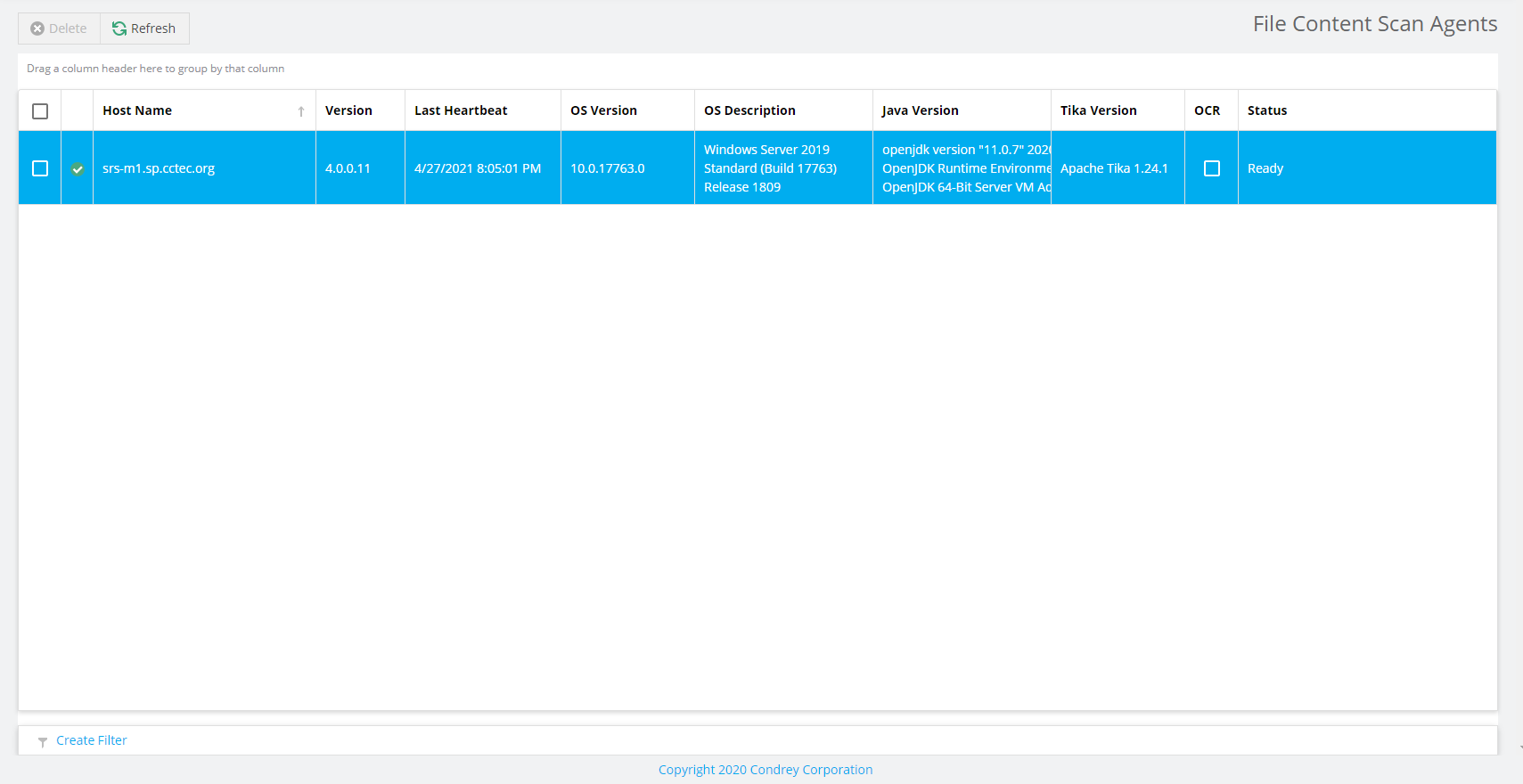
This window enables you to verify the consistency of AgentFC deployments and configuration parameters.
Start a File Content Scan Job
To start a File Content scan job:
-
Select Job Definitions in the File Content menu.
-
Check the box for the job definition to run.
-
Click Scan Now in the toolbar to initiate the selected File Content Scan Job.
Viewing Jobs in Progress
-
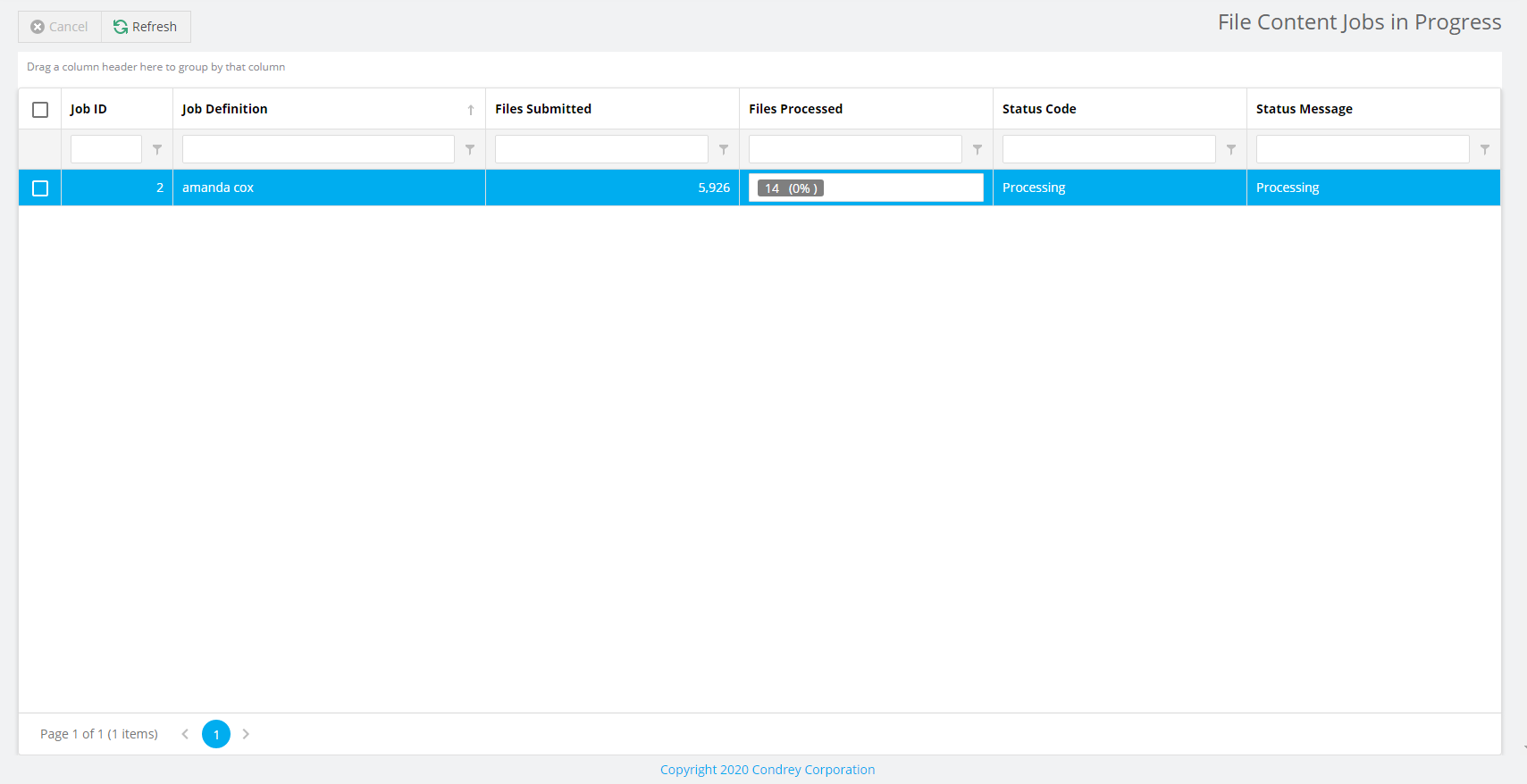
Select Jobs in Progress in the File Content menu to view the status of the file content scanning process.
Viewing Scanned Data Matches
-
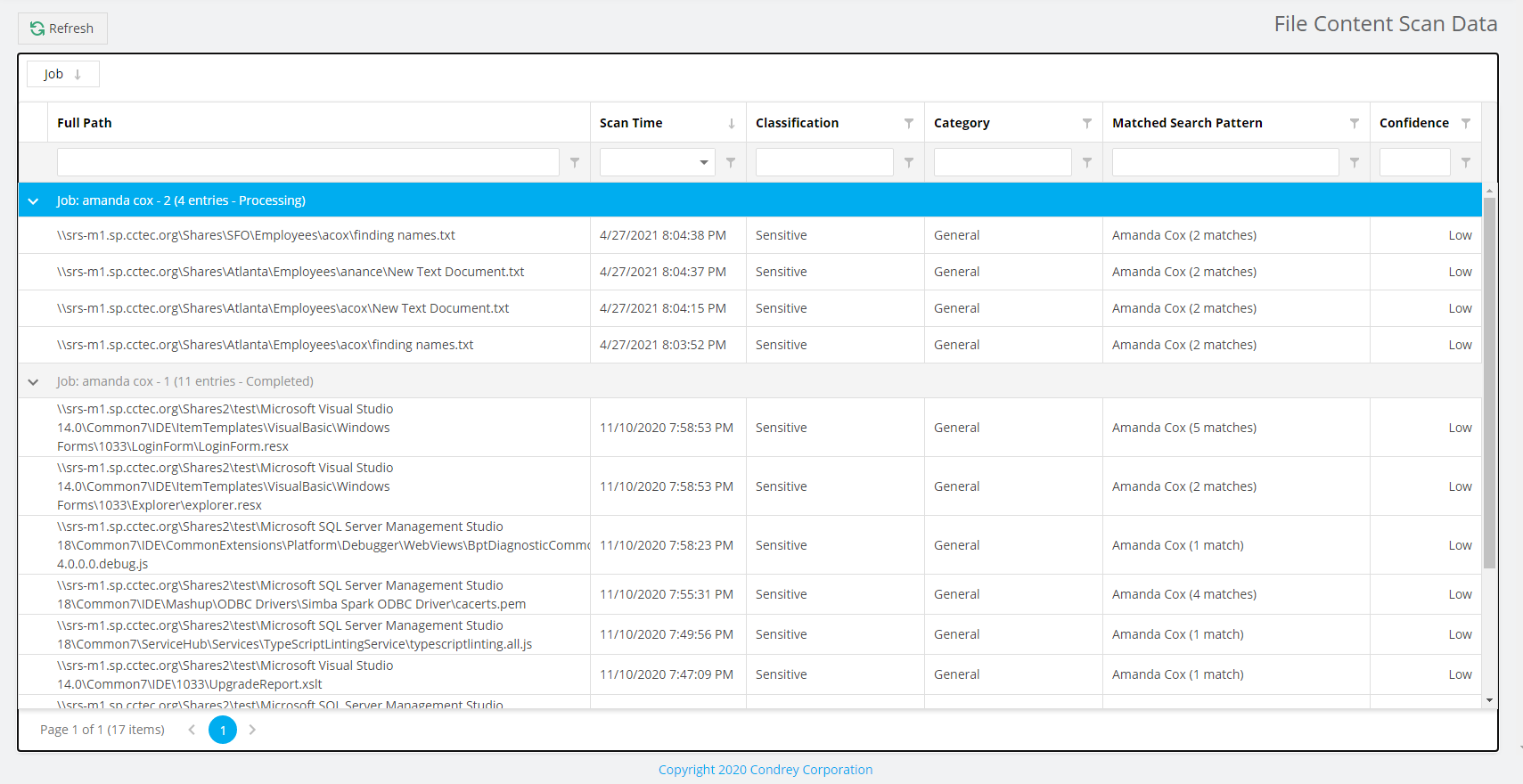
Select Scan Data in the File Content menu to view the set of matched results data.
Download Search Results
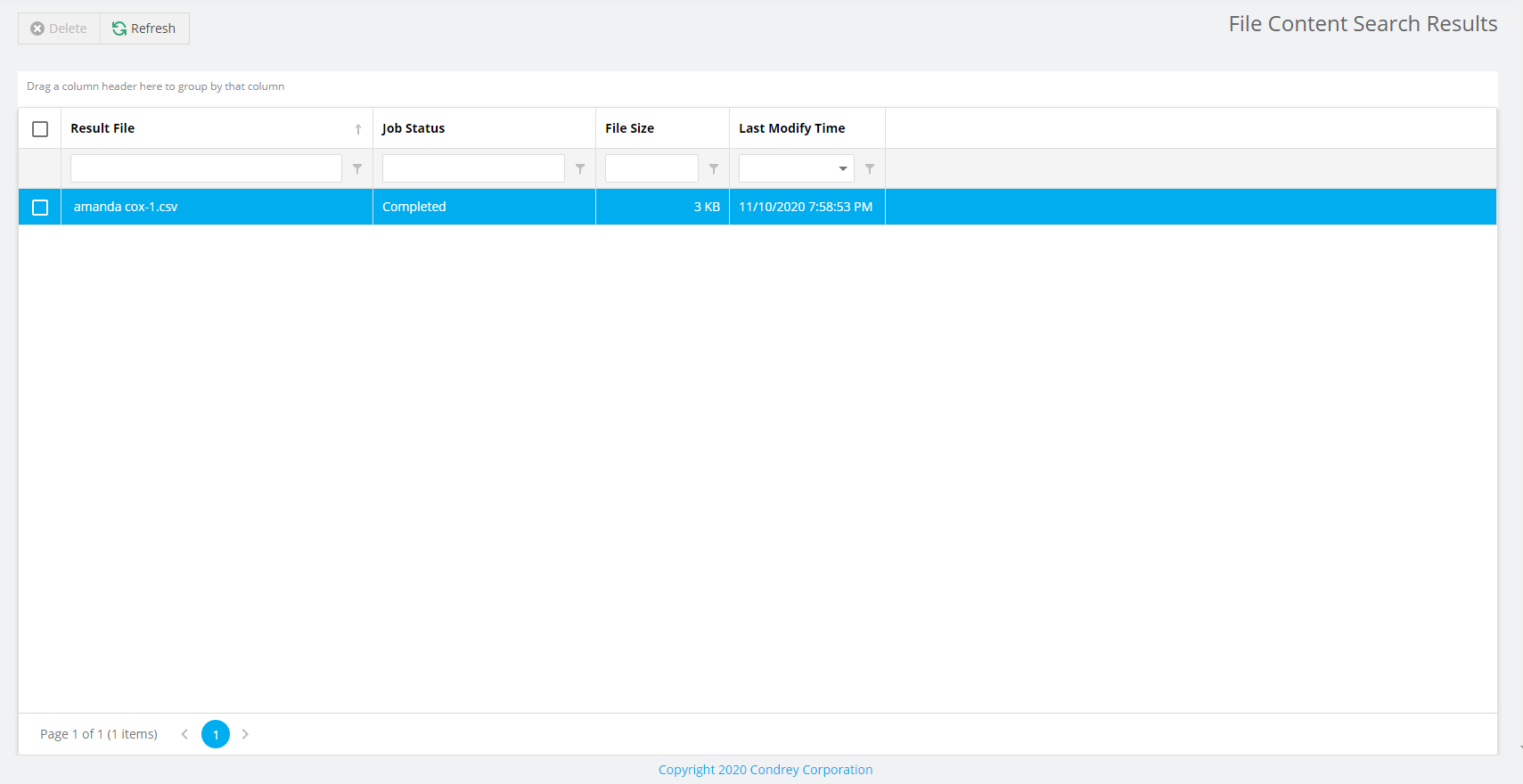
You can download the file content scan file for job definitions with Result Type set to File from the Search Results page.
File Reporter outputs the file as a CSV file, which you can import into the OpenText File Dynamics Data Owner Client for remediation.