Integrating with File Dynamics
If you deploy OpenText File Dynamics, you can use it to report on File Dynamics policies. You must first specify the server address and port number of the server hosting the File Dynamics Engine.
IMPORTANT: File Reporter 26.4 integrates with File Dynamics 25.2 and above.
-
Select File Management in the Configuration menu.
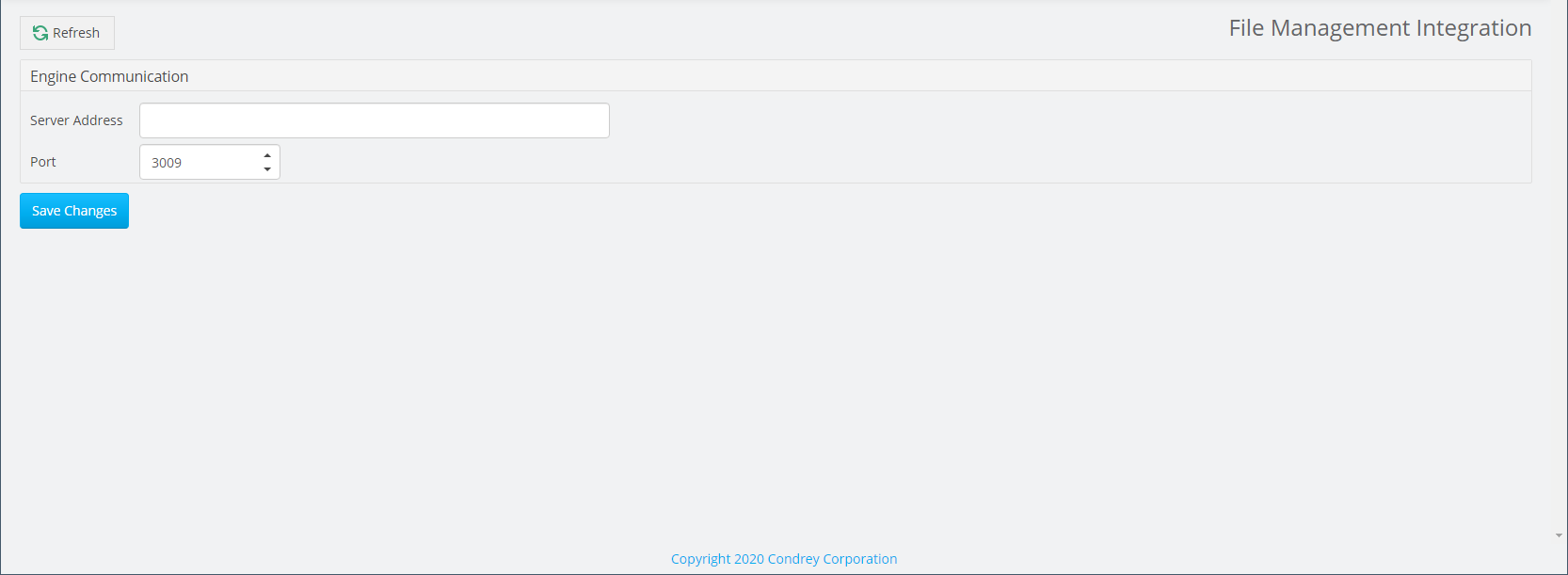
-
Specify the IP address or DNS name of the server hosting the File Dynamics Engine.
-
Specify the port number the Engine uses (default: 3009).
-
Click Save Changes.