5.2 Creating a Report
NOTE:For details and examples of the supported database functions, tables, and views that you can utilize in Custom Query reports, refer to the Micro Focus File Reporter 4.1 Database Schema and Custom Queries Guide.
-
Click .
-
Specify a descriptive name, then click .
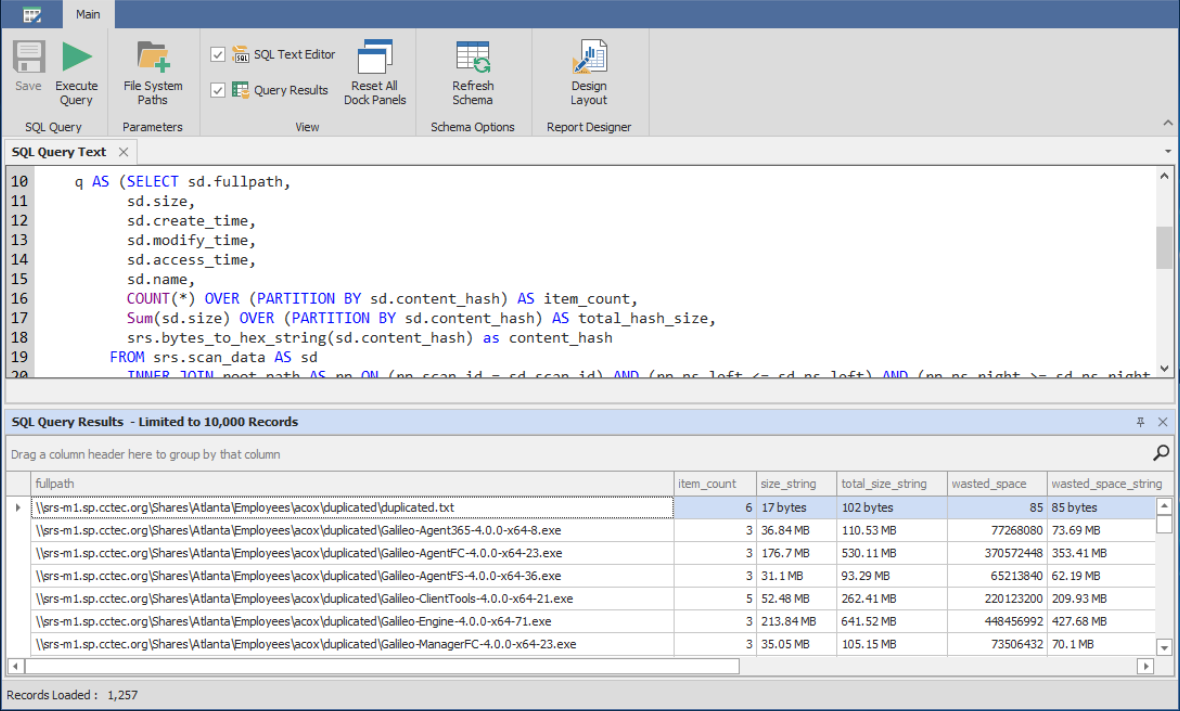
The Report Designer Query Editor is launched.

-
Update the query as desired in the text editor.
-
Click to get a preview of the Custom Query Report.
-
Click .
-
Close the Query Editor.