Getting a Fortify Audit Assistant Authentication Token
To integrate with Fortify Audit Assistant, you must first obtain a Fortify Audit Assistant authentication token.
To obtain an Fortify Audit Assistant authentication token:
- Log on to Fortify Audit Assistant.
- On the OpenText header, select ADMINISTRATION, and then select TOKENS.
- On the Tokens page, click +ADD.
- In the Name field, type a name for the token to generate.
-
Click SAVE.
The Tokens page lists the new token.
-
To the right of the token name, click the view icon (
 ).
).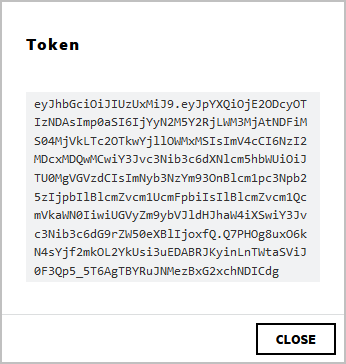
- In the Token window, select and copy the token text, and then click CLOSE.
Use the copied token to configure the integration with Audit Assistant. (See Configuring Audit Assistant.)