Submitting a bug for a single issue
If a bug tracking plugin is specified for an application version (see Assigning a bug tracking system to an application version), you can use that bug tracker to submit bugs that cover one or multiple issues.
To submit a bug for a single issue:
From the AUDIT page for an application version, expand the row for an issue for which you want to submit a bug.
Click FILE BUG.
If FILE BUG is not available, a bug tracker is not assigned to the application version. To address this, see Adding bug tracker plugins and Assigning a bug tracking system to an application version. Also, if a bug is already submitted for the issue, you cannot submit a new bug against it.
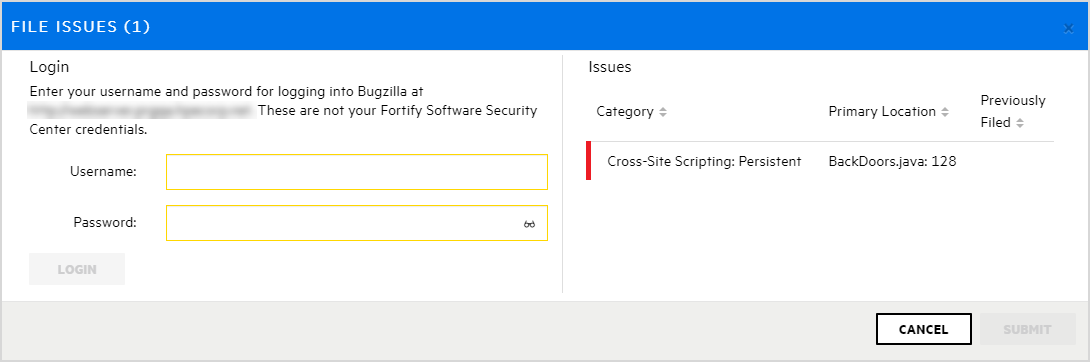
In the Login area, provide the username and password for the bug tracker associated with this application version, and then click LOGIN.
Application Security retains your credentials for the duration of your work session so you do not have to provide them to file additional bugs during that session.
The Login area displays the fields for the bug tracker specified for the application version.
Provide input for all fields required for the bug tracker, and then click SUBMIT.
After a successful submission, a bug icon is displayed for the issue in the Bug submitted column of the issues table.
See Also