Changing the support contact link in the About box
By default, the About box displays a link to the Customer Support portal. You can replace that link with a link to the support portal for your organization.
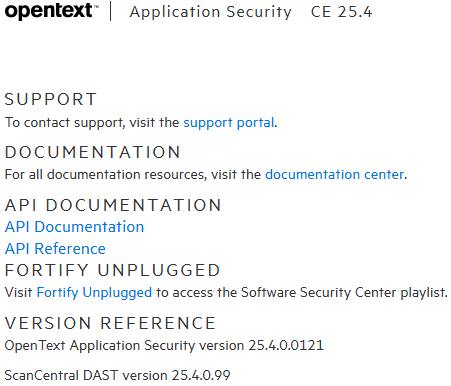
To display your support portal in the About box:
Sign in to Application Security as an Administrator.
On the header, select Administration.
On the navigation pane, expand Configuration, and then select Customization.
Select the Enable using the support URL for your organization in the About box check box.
In the Support URL for your organization box, enter the web address for your organization's support portal.
In the Text displayed for your support URL box, type the text to display for the link to your organization's support portal.
Click SAVE.
See Also