Scan Log Tab
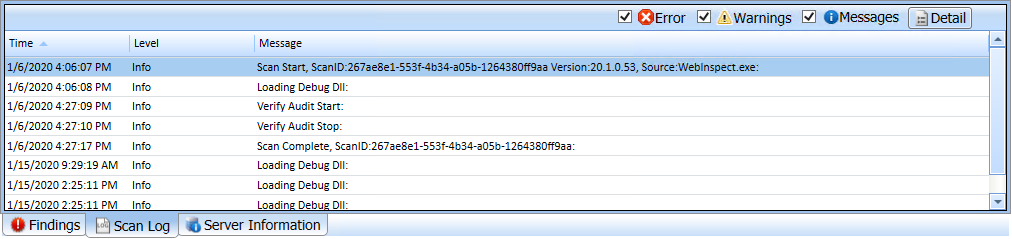
Use the Scan Log tab to view information about your Fortify WebInspect scan activity. For instance, the time at which certain audit methodologies are applied against your Web application are listed here. Additionally, alert-level messages that may provide insight into potential issues that could affect the scan appear in the Scan Log.
You can select the logging level (Debug, Info, Warn, Error, or Fatal) using the Logging option on the Application Settings window. For more information, see Application Settings: Logging.
You can filter the type of messages displayed using the Errors, Warnings, and Messages buttons at the top of the pane.
Tip: Alert-level messages are included in the Warnings filter.
To view detailed information about a specific entry in the scan log, select an entry and then click Detail.
You can also right-click an entry and select the following options from the shortcut menu:
-
Copy selected row to clipboard.
-
Copy all items to clipboard.
-
Get more information about this message.
See Also