2.0 Accessing UMC
NOTE:Unified Management Console (UMC) is also referred as iPrint Management Console.
You can access UMC using one of the following methods:
Method 1: Access using web browser
-
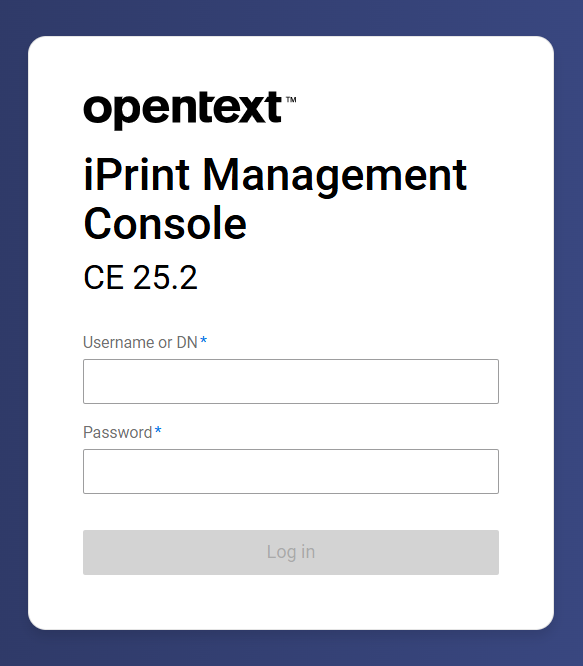
Open any browser and enter the IP address.
Example: https://<iprintmanagementconsole_ServerIP/Hostname>/umc
-
Remote LDAP users can log in using their username or full FQDN.
NOTE:Only users added as administrators through port 9443 can log in. For more information, see Managing Administration - Imported User as Administrator in Administration Guide.
Method 2: Access using iPrint Management Administration Console
-
Open any browser and enter the IP address.
Example:
https://<iprintappliance_ServerIP/Hostname>/admin
Or,
https://<iprintappliance_ServerIP/Hostname>:9443
-
Enter the root or vaadmin credentials to access the iPrint Appliance home page.
-
Click to open page.
-
Under configuration, click to access the iPrint Management Console.