8.4 How to list volumes in a partition?
-
In UMC, click
 > .
> . -
Search or browse the servers to list the partitions associated with them.
-
Select the partition, click More Options
 icon, and then select .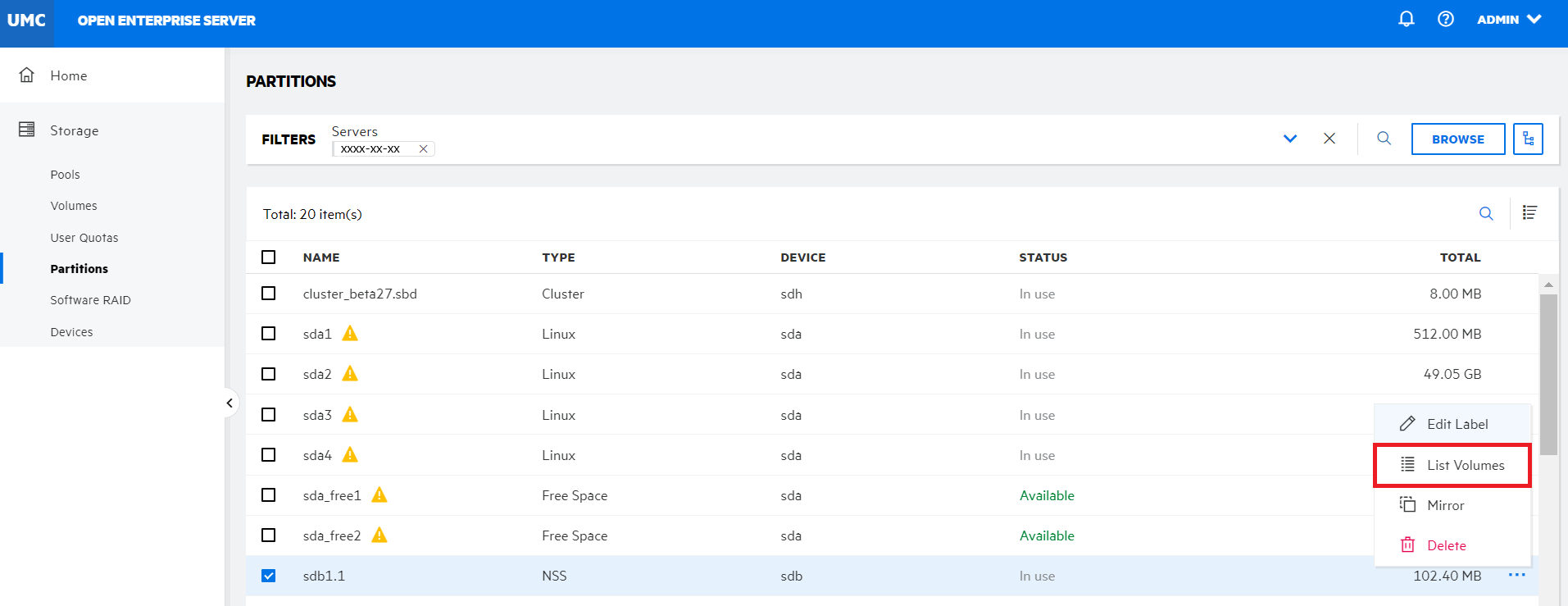
All the volumes available in the selected partition are listed.