4.3 Verifying the CIS Configuration
After successful configuration of CIS and its infrastructure services, perform any one of the following:
-
Point your browser to https://<OES server IP address or host name>:8105 and click link to go to CIS Administration login page.
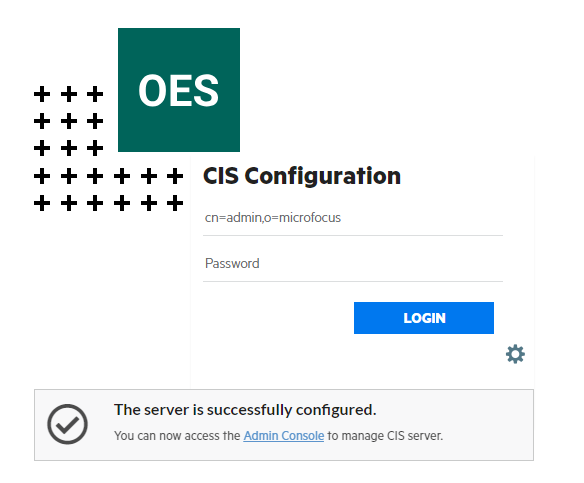
OR
-
Point your browser to https://<OES server IP address or host name>:8344.
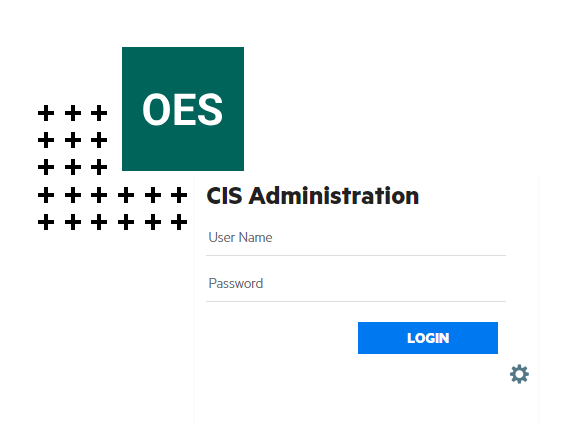
-
To verify the type of server configuration, run the following command:
cat /etc/opt/novell/cis/configurationStatus.json
The configType parameter displays the following:
-
"configType":"infraHA" - This is an Infrastructure server.
-
"configType":"core" - This is a CIS server.
-
"configType":"scale" - This is a Data Scale server.
-
"configType":"standalone" - This is a Standalone server.
-