Action Reports
An Action Report is stored each time a Management Action is performed. Previous Action Reports are listed on this page, and identified by the eDirectory object the action ran on and the time the report was generated.
To view the results of a Action Report:
-
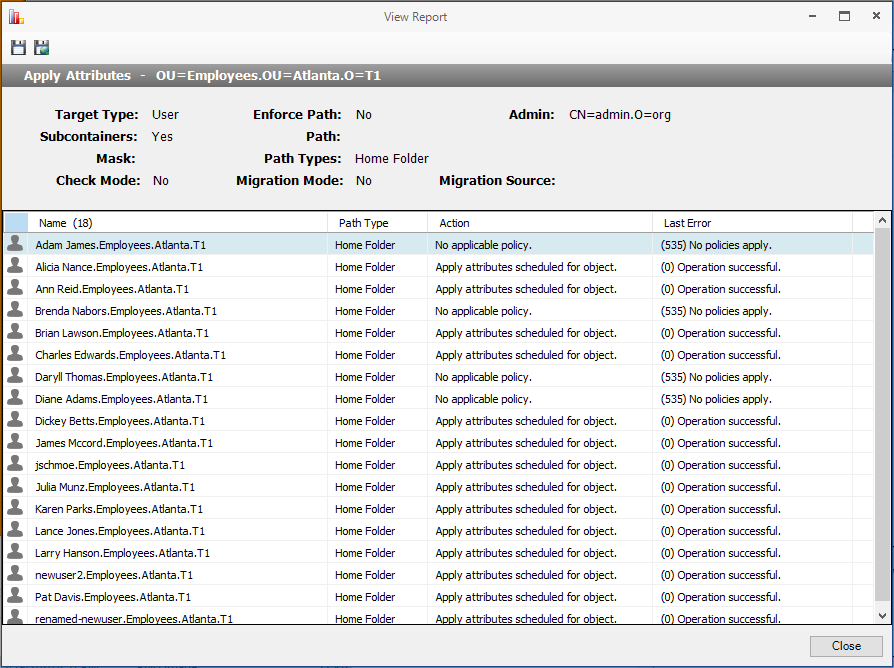
Double-click a desired report in the list to open the View Report dialog.
To export an Action report:
-
Double-click a report in the listing to open the View Report dialog.
-
Click the Save CSV Report or Save HTML Report icon in the upper-left corner.