Consistency Check Reports
Previously-run Consistency Check Reports are stored and listed on this page.
To view the results of a previous Consistency Check Report:
-
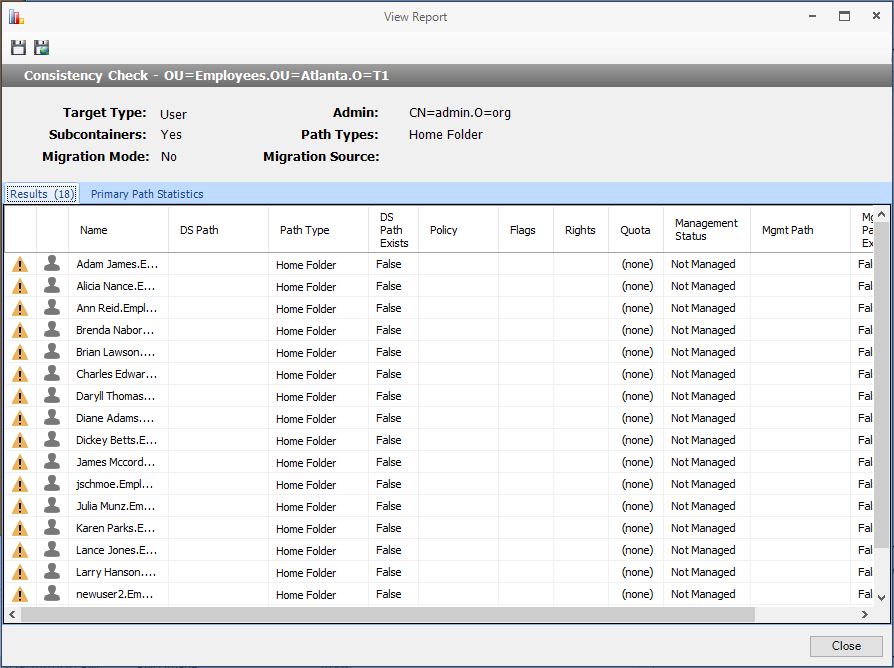
Double-click a desired report in the list to open the View Report dialog.
-
Click the Results tab to view the contents of the Consistency Check Report.
-
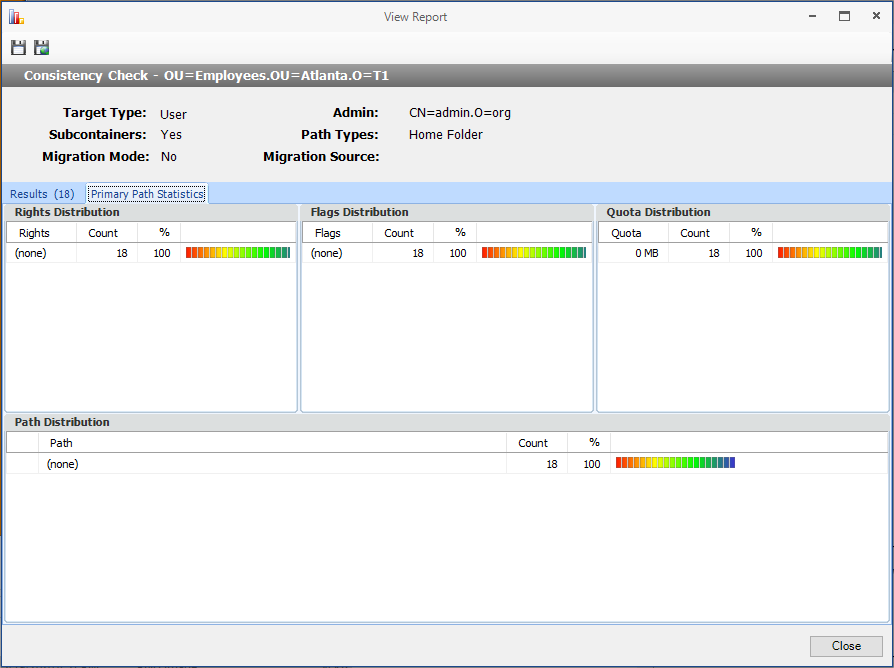
Click the Primary Path Statistics tab to view the rights, flag, and path distribution data in text and graphical format.
To export a Consistency Check Report:
-
Double-click a report in the listing to open the View Report dialog.
-
Click the Save CSV Report or Save HTML Report icon in the upper-left corner.
See Running Consistency Checks on Existing Storage and Performing a Consistency Check for details.