Merge
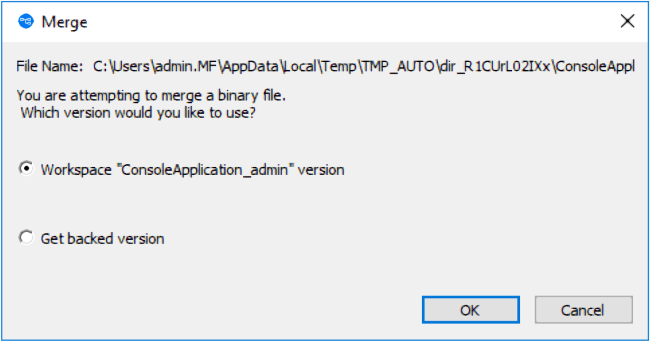
If the element type is binary, merging amounts to picking your own version or the backing-stream version. AccuRev does not support combining the contents of binary files.
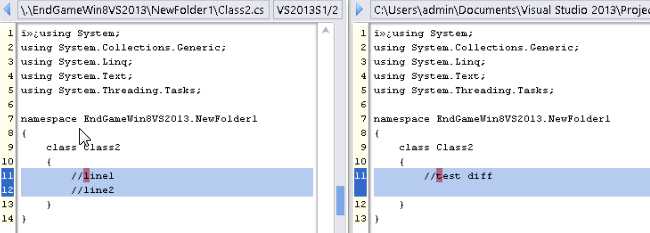
If the element type is text, the versions’ contents are merged with an external program, by default, AccuRev's own Merge tool, which uses a three-way merge algorithm. You can configure another merge tool, using the command . See Setting AccuRev Options
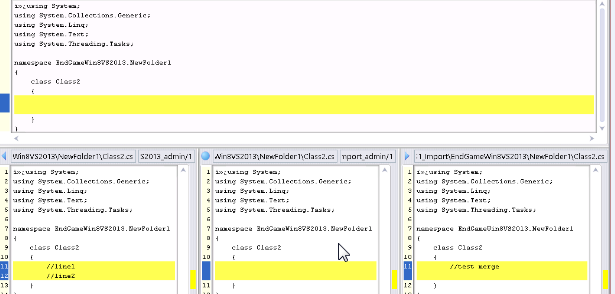
A merge might be required on the namespace level instead of, or in addition to, the content level. This occurs when the file or directory has been renamed or moved, both in your AccuRev workspace / Visual Studio project and in the backing stream version. The Merge command has you choose which namespace change to use. You can also choose to reject both changes, and use the element’s “original” name in the common ancestor version.
Another special case occurs if an item has (defunct) status in your workspace. (You performed a Visual Studio Delete, which triggered an AccuRev Defunct.) A dialog box appears, in which you can reinstate undefunct the item:
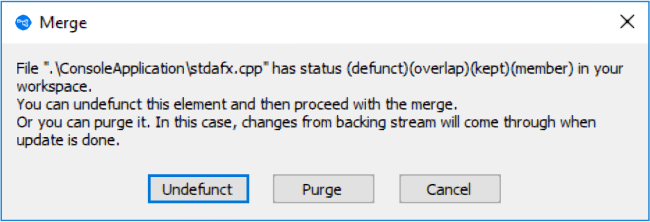
- Choose Purge in this dialog.
- Update your workspace.
- Delete the item again and allow AccuRev Plug-In for Visual Studio PE to Defunct it.
- Promote the (defunct) item to the backing stream.