Custom Query Reports
Custom Query Reports are reports that are generated from SQL queries that you enter and optional report layouts for displaying the resulting data. These queries enable you to generate very specific detail in reports that are not available through the built-in report types in File Reporter.
The SQL queries must be specific to the database (Microsoft SQL Server or PostgreSQL) that your deployment of File Reporter is utilizing.
NOTE: For details and examples of the supported database functions, tables, and views that you can utilize in Custom Query reports, refer to the File Reporter 24.2 Custom Query Guide.
SQL queries are entered through report editors available from the File Reporter browser-based administrative interface and the Report Designer client tool.
NOTE: For details on using the report editor in the Report Designer, see Custom Query Report Layouts in the File Reporter 24.2 Client Tools Guide.
IMPORTANT: Don't forget to utilize File Query Cookbook as a resource for obtaining SQL queries and sample report layouts. Both the SQL queries and report layouts can be customized as needed. You can access the File Query Cookbook directly through the Report Designer interface or at https://filequerycookbook.com.
-
Select Reports > Report Definitions.
-
Click Add.
-
In the Name field, specify a descriptive name for the report definition.
-
Select Custom Query Report.
-
Click OK.

-
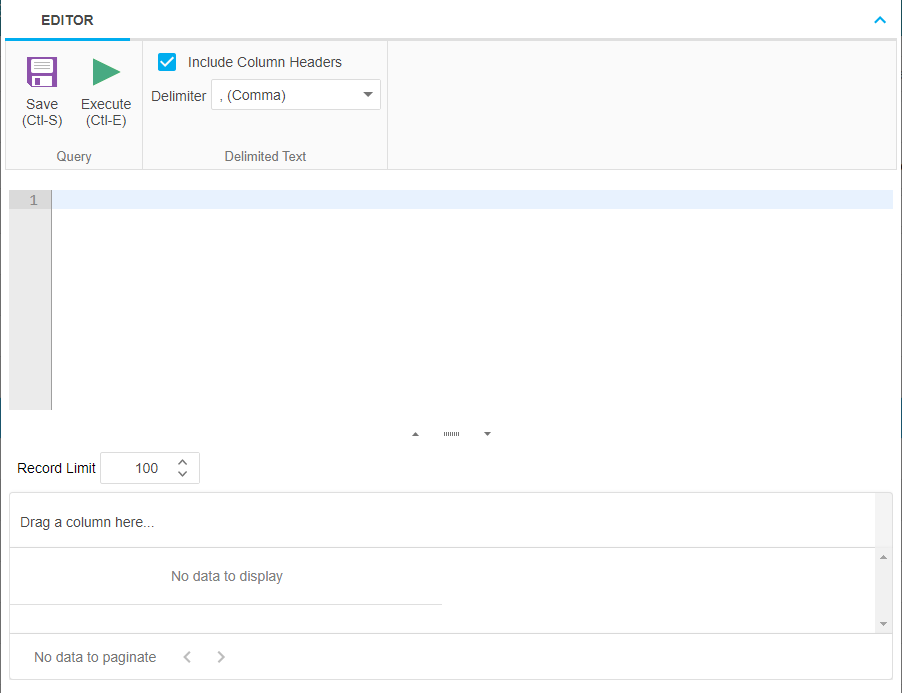
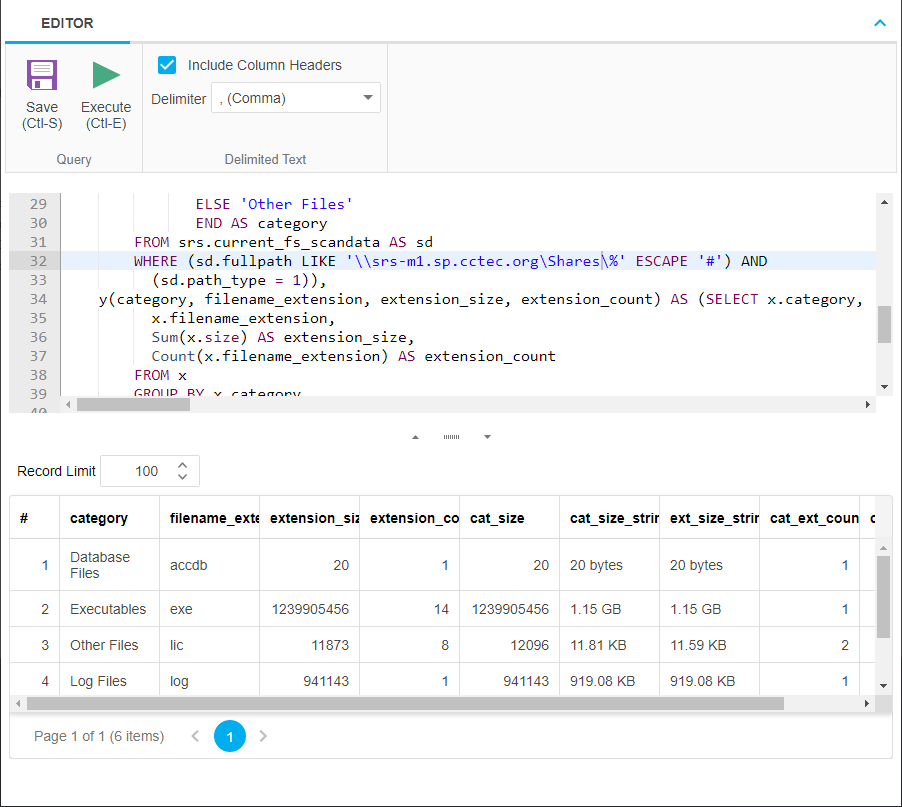
Enter the SQL query according to what information you want included in your report.
As you update the query, you can click Execute to get a preview in the bottom portion of the editor of how the report will appear.
The Row Limit setting does not limit the size of the report. Instead, it limits how much can be previewed.

-
When you are satisfied with the report and the previewed results, click Save.
-
Close the Custom Query Report Editor.
-
Select Reports > Report Definitions.
-
Select the Custom Query Report you just saved and generate the report as either a Preview report or a Stored report.
For procedures on generating a Preview report, see Preview Reports in the File Reporter 24.2 Administration Guide.
For procedures on generating a Stored report, see Stored Reports in the File Reporter 24.2 Administration Guide.