Searching applications and application versions from the Applications view
Searching specific application
To search for a specific application:
Select the Your Applications page.
Under Filters, in the Search applications box, type at least part of the application name you want to find.
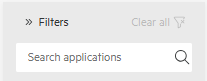
To return to the complete Your Applications page, clear the text in the search box.
Searching application version
To search for an application version:
Select the Your Versions page.
Under Filters, do any combination of the following:
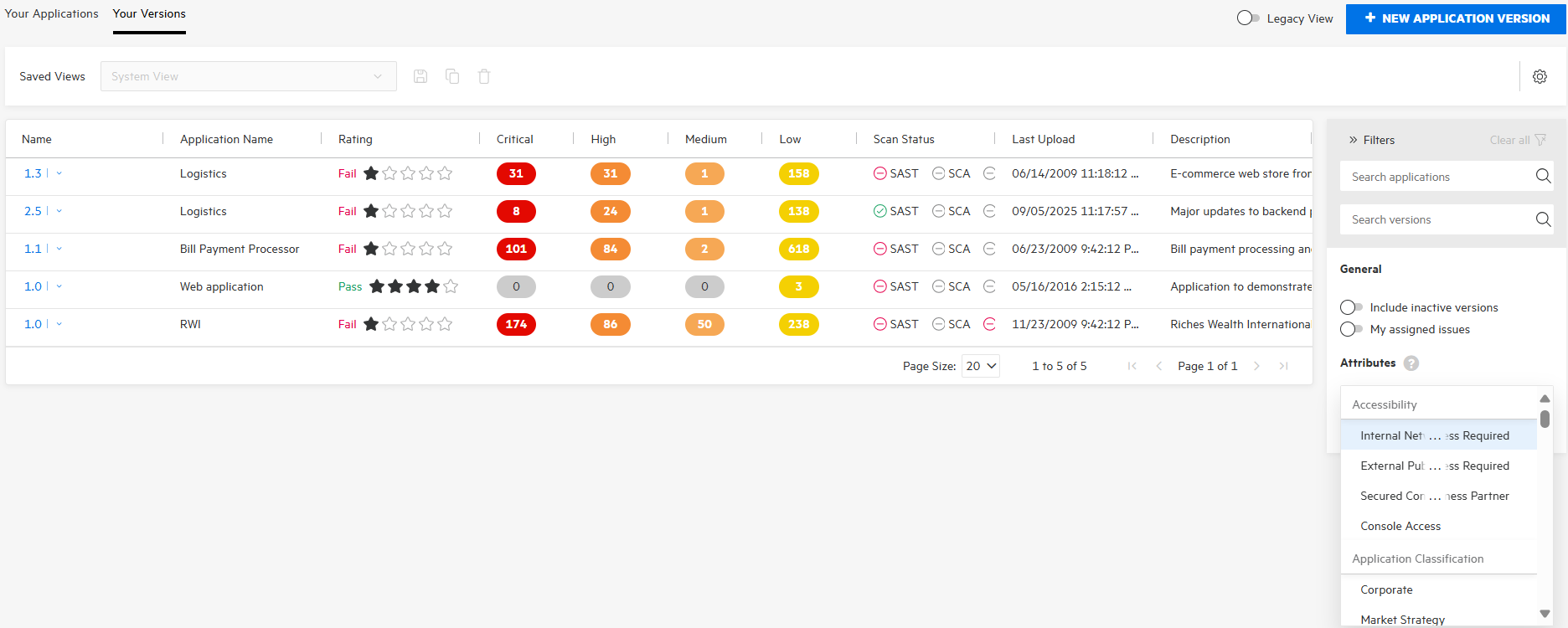
In the Search applications box, type at least part of the application name you want to find.
In the Search versions box, type at least part of the application version name you want to find.
The wildcards asterisk (*) and question mark (?) are not supported in either search box.In the Attributes list, select one option per attribute you want to find. You can select up to three options.
To remove a selected attribute, click the x next to its name. To remove all selected attributes, click Clear attributes.
The Your Versions page lists all the application versions that match your search criteria.
To return to the complete Your Versions page, click Clear all.
(Legacy View) To search for a specific application or application version:
In the Search applications and versions box, type at least part of the application name or version name for the application or version you want to find.
The wildcards asterisk (*) and question mark (?) are not supported.
Click Find.
The Applications table lists all application versions that match your search string.
To return to the complete Applications table, clear the text in the search box.
See Also