Viewing Fortify ScanCentral SAST sensor information
To view current information about sensor states and activities:
On the header, select ScanCentral, and then select SAST.
On the navigation pane, select Sensors.
To filter the sensors displayed based on the current sensor state, from the Filter by state list, select Active, Inactive, Stale, or Shutdown scheduled.
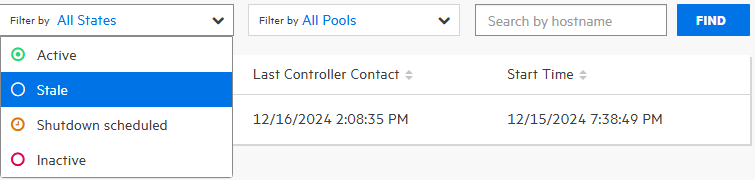
By default, all sensors in any state are displayed.
To filter the sensors displayed based on the pool, from the Filter by pool list, select either Unassigned Pool, or a named pool.
By default, all sensors in any pool are displayed.
To see the details for a sensor, click its row.
See Also