About suppressed, removed, and hidden issues
You can control whether the issues pane lists suppressed, removed, and hidden issues.
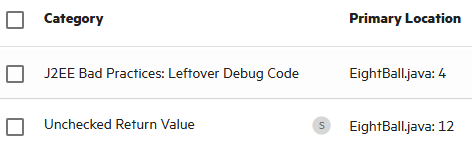
Suppressed issues
As you assess successive scans of an application version, you might want to completely suppress some exposed issues. It is useful to mark an issue as suppressed if you are sure that the specific vulnerability is not, and will never be, an issue of concern. You might also want to suppress warnings for specific types of issues that might not be high priority or of immediate concern. For example, you can suppress issues that are fixed, or issues that you plan not to fix.
Suppressed issues are not included in the Total Issues value shown in the Version Progress section of the expandable pane of the OVERVIEW page. Suppressed issues are also not included in the calculation of application version metrics. For information about how to suppress an issue, see Auditing scan results.
Removed issues
As multiple scans are run on an application over time, issues are often remediated or become obsolete. As Application Security merges analysis results, it marks issues that were uncovered in a previous scan, but are no longer evident in the most recent analysis results as Removed.
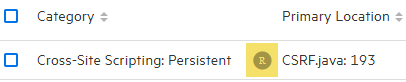
Removed issues are not included in the Total Issues value shown in the Version Progress section of the expandable pane on the OVERVIEW page.
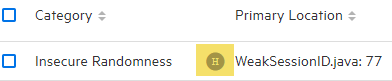
Hidden issues
In Fortify Audit Workbench, users typically hide a group of issues temporarily so that they can focus on other issues. For example, you might hide all issues except those assigned to you.
See Also